

Assess language, literacy, numeracy, and digital skills online for RTO students


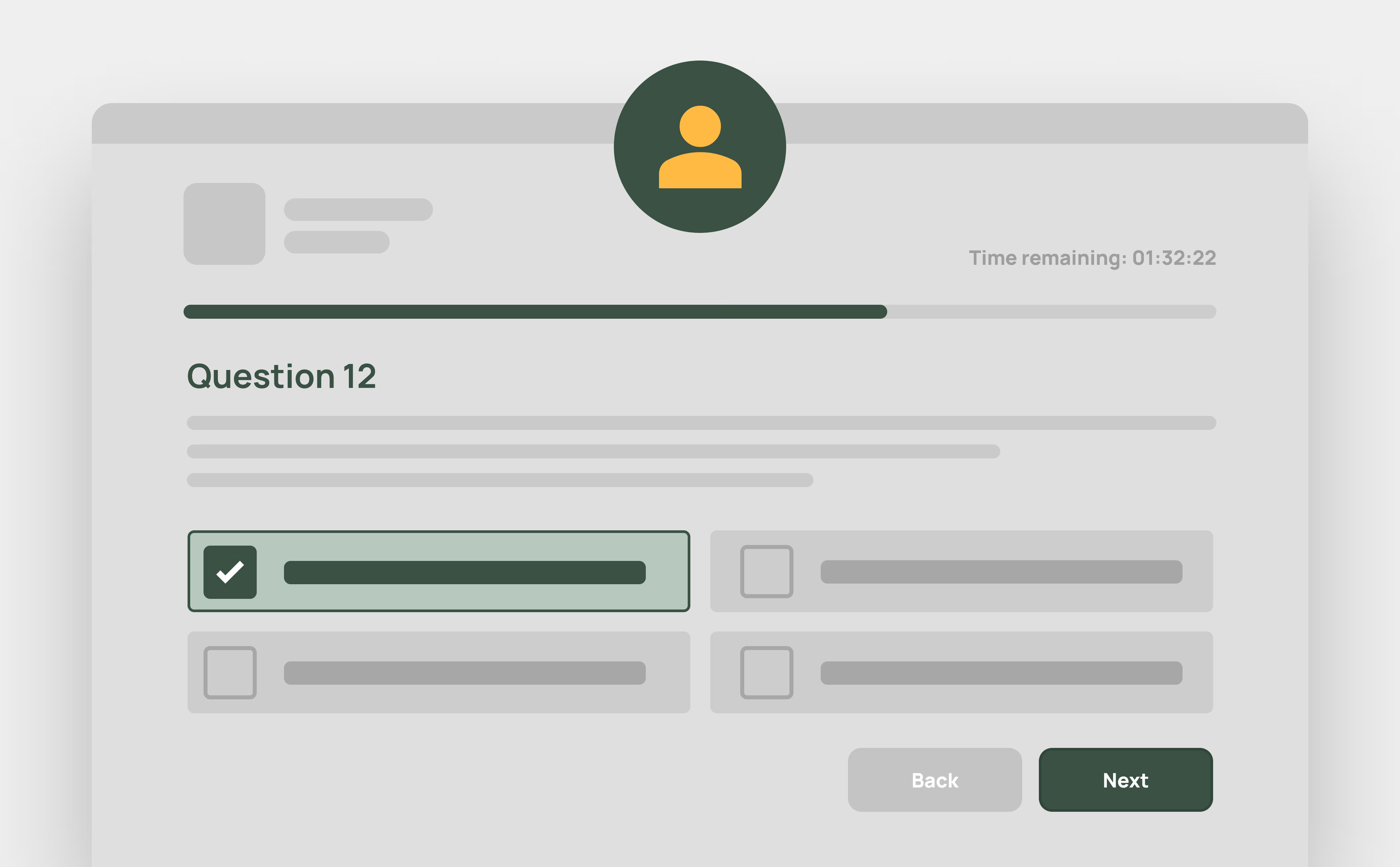
Online, Self-Serve LLND Quiz
As part of the enrolment process, students complete a simple online LLND assessment covering reading, writing, and numeracy. It’s mobile-friendly, quick to complete, and designed to align with compliance requirements.
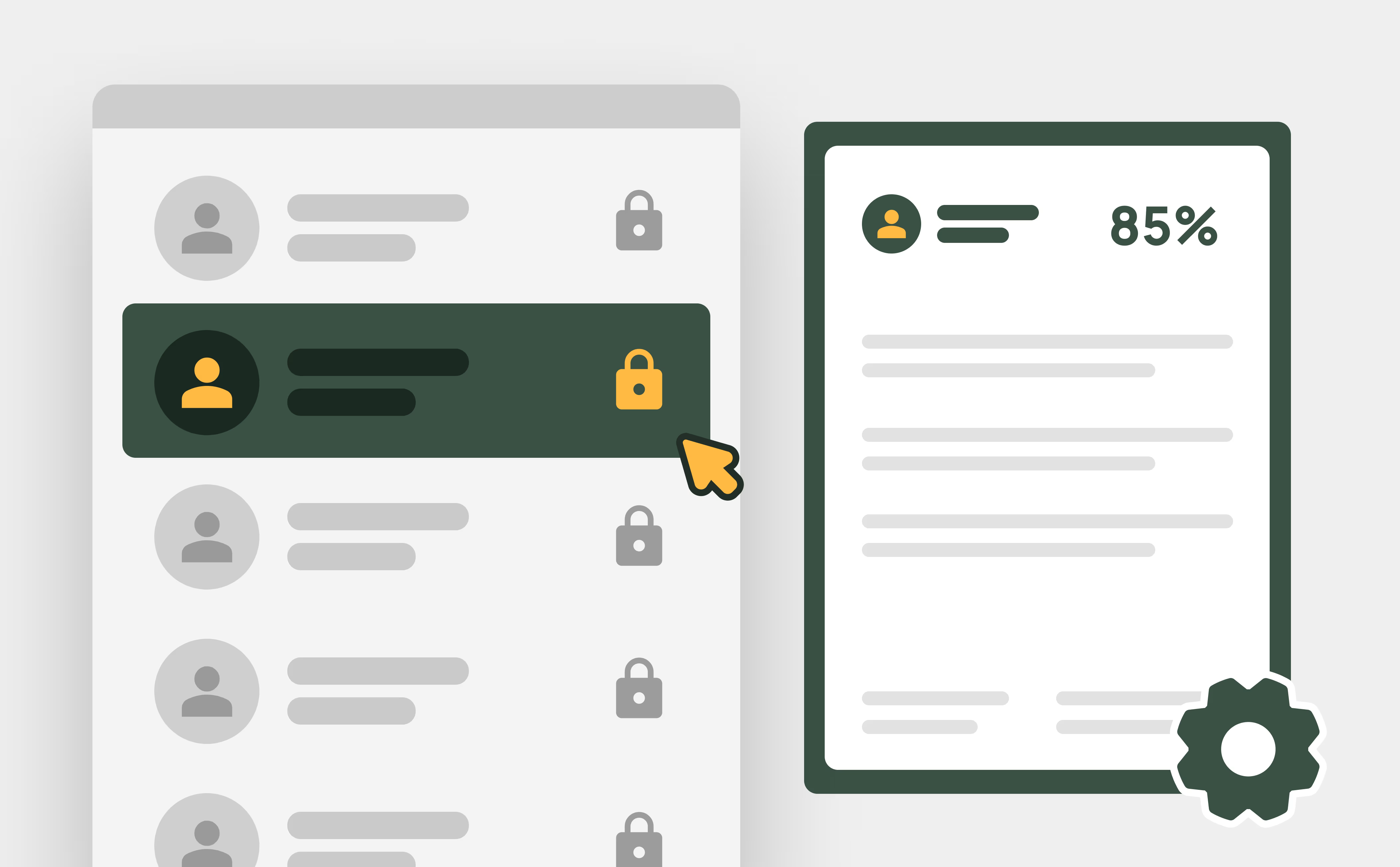
Automated Marking and Storage
No need for manual review. The system automatically scores each quiz and stores the results securely against the student’s profile, saving admin time and ensuring accurate, consistent grading.

Identify & Support At-Risk Students
If a student’s result indicates they may need support, they’re automatically flagged in the system. This gives your team visibility and time to intervene early, ensuring every learner has the best chance to succeed.
Frequently Asked Questions
Discover how our platform streamlines compliance, reporting, and training delivery for RTOs.
An LLND assessment (Language, Literacy, Numeracy, and Digital skills assessment) measures a student’s ability in reading, writing, numeracy, and basic digital skills. In RTOPilot, this LLND assessment is completed online during enrolment, automatically graded, and stored in the student’s profile. It helps identify students who may need extra support early in their learning journey.
Yes. The online, self-serve quiz and automatic marking ensure assessments are consistent, reliable, and aligned with regulatory standards.
Yes. The system automatically grades each quiz and stores the results securely in the student’s profile. This saves admin time and ensures accurate, consistent scoring.
All results are stored directly in the student’s profile, keeping records up to date and ensuring easy access for reporting and compliance purposes.
Absolutely. If a student’s results show they may need help, they’re flagged automatically in the system. This allows your team to intervene early and provide support where needed.

