

Calendar & Scheduling


See Your Entire Training Schedule at a Glance
View all upcoming classes, sessions, and trainer assignments on a single calendar. Filter by course, location, or trainer to quickly find what you need. No more juggling spreadsheets or separate scheduling tools to keep track of your training calendar.
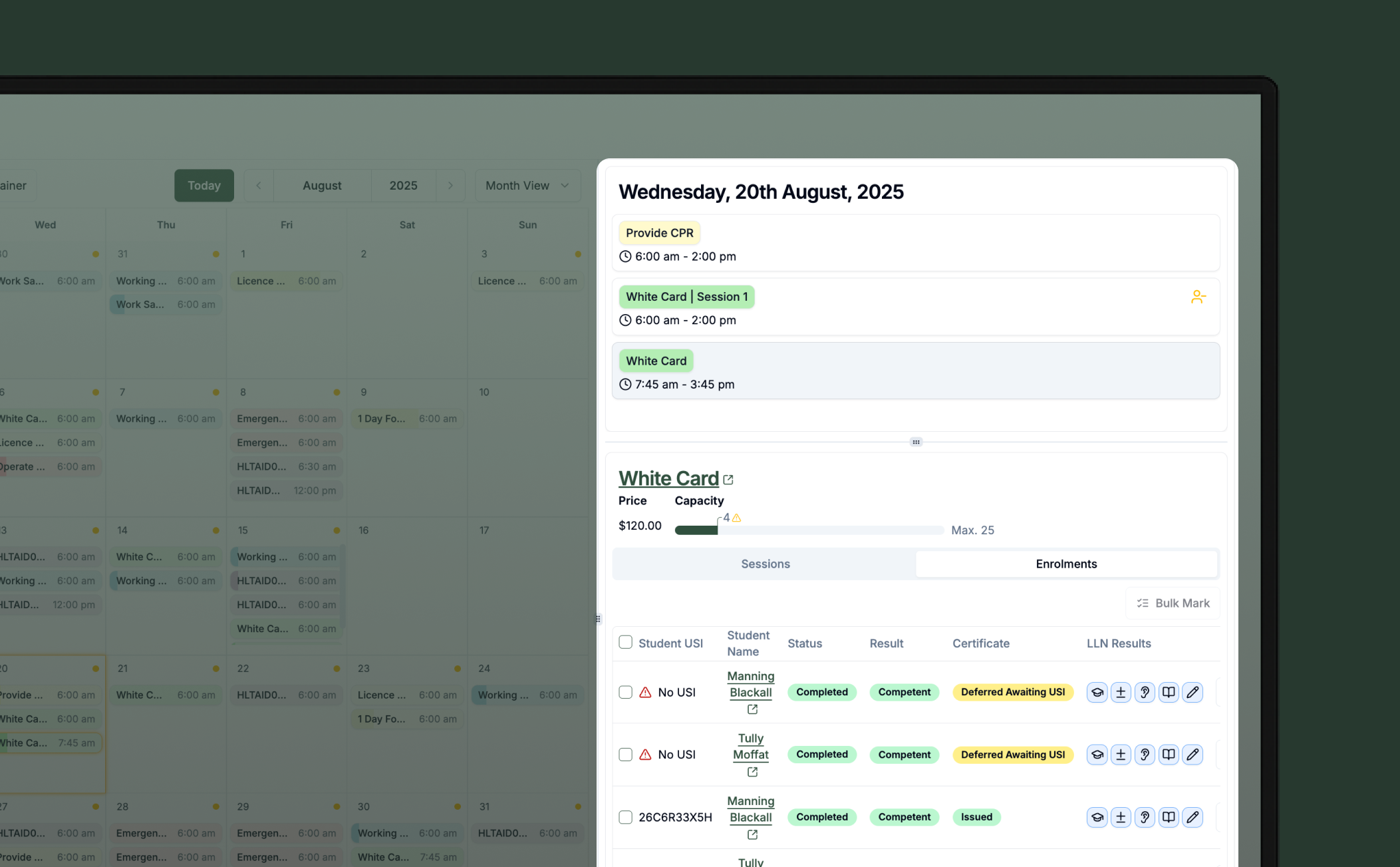
Everything You Need, Without Clicking Around
Drill into any class directly from the calendar and see the full picture — session info, assigned trainers, enrolled students, USI status, online learning progress, and more. Mark attendance, update student statuses, and take action right from the calendar view without navigating away to separate pages.
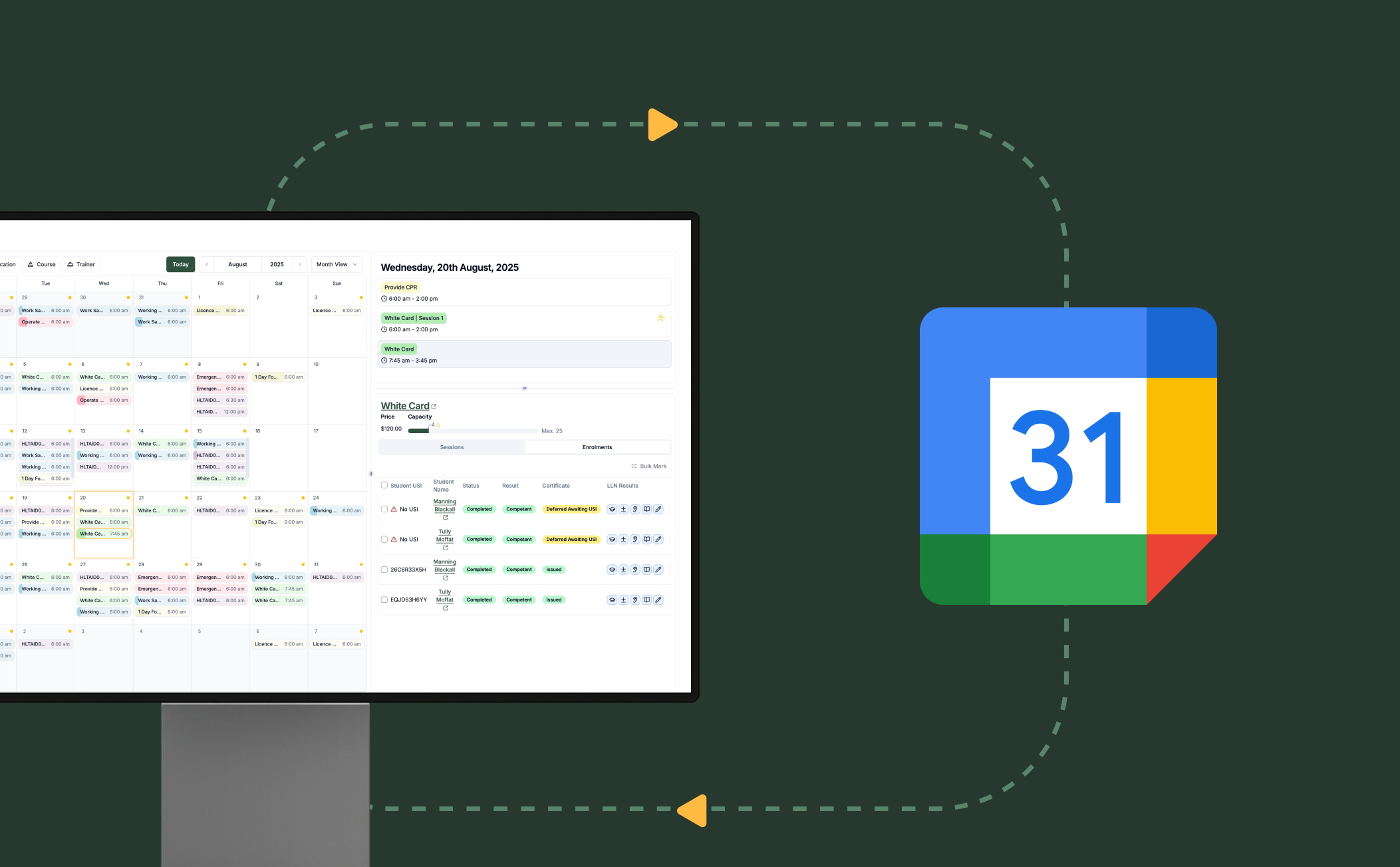
Sync with Your Existing Calendar
Keep your team on the same page by syncing RTOPilot's calendar with external tools like Google Calendar or Outlook. Session times, locations, and updates flow automatically, so trainers and coordinators always have the latest schedule.
Frequently Asked Questions
Discover how our platform streamlines compliance, reporting, and training delivery for RTOs.
Yes. The calendar view displays all scheduled classes and their individual sessions. You can filter by trainer, course, location, or date range to find exactly what you need.
Yes. You can mark attendance, update student statuses, and manage class details right from within the calendar view. The calendar is designed to let you get things done without clicking through multiple pages.
You can see trainer assignments directly on the calendar, making it easy to spot conflicts, balance workloads, and ensure every session has coverage. Filter by trainer to see their full schedule at a glance.
You can drill into any class and see session details, assigned trainers, the full enrolment list with student information, USI status, online learning progress, and attendance records — all without leaving the calendar.
Yes. RTOPilot supports calendar synchronisation so that class schedules and session details appear in your team's external calendars automatically. Changes made in RTOPilot are reflected in synced calendars.
Yes. Scheduled classes are connected to enrolment records, and attendance data feeds directly into the session records. Everything stays linked from scheduling through to completion.

