

Run smarter student evaluations with the assessment management system


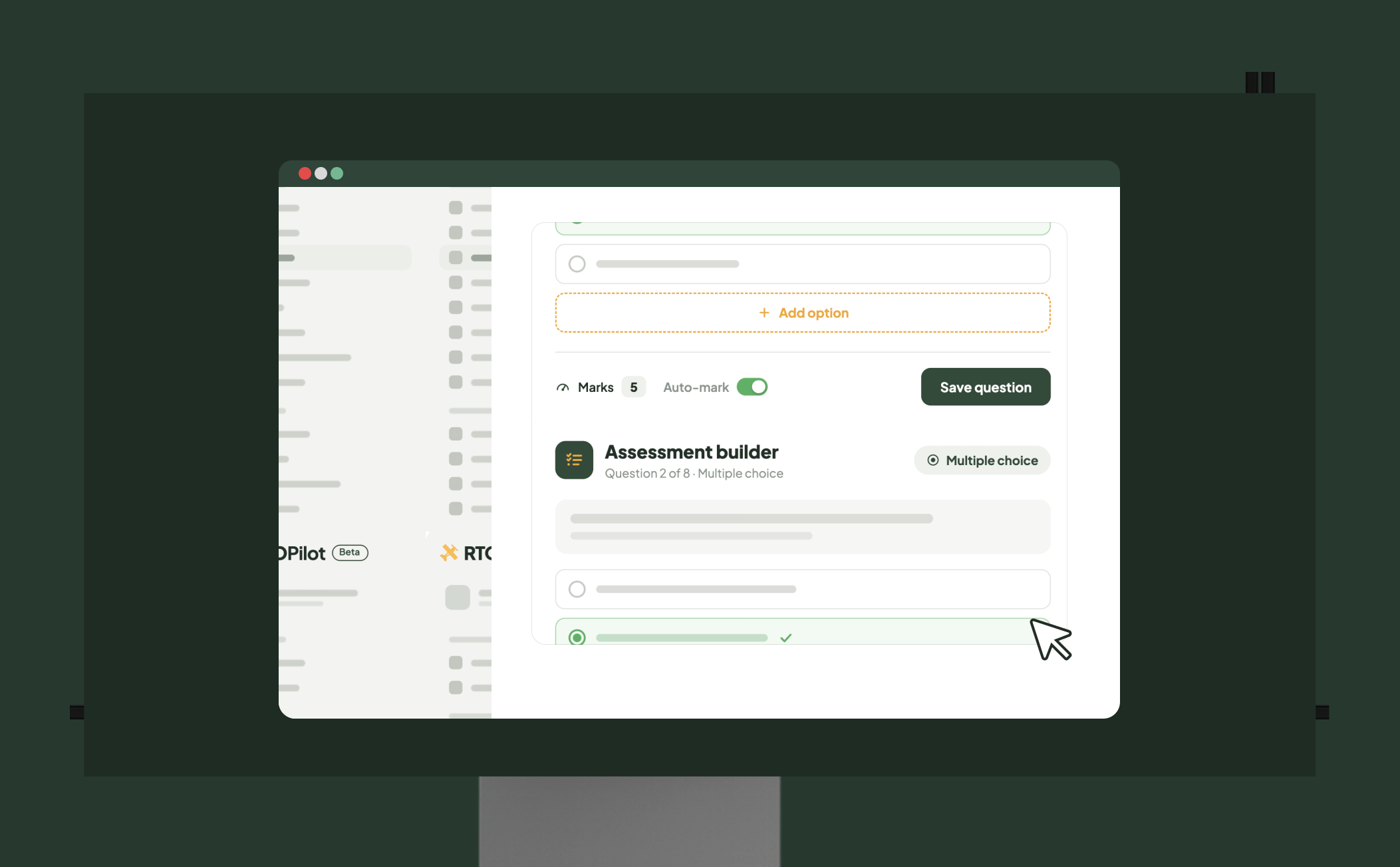
Easy-to-Use Assessment Builder
Create assessments quickly using a simple, intuitive builder that reduces setup time and effort. You can build a range of question types, including multiple-choice quizzes, to keep learners engaged and actively participating. Each assessment can be customised with your own questions, marking rules and formats to match different course requirements
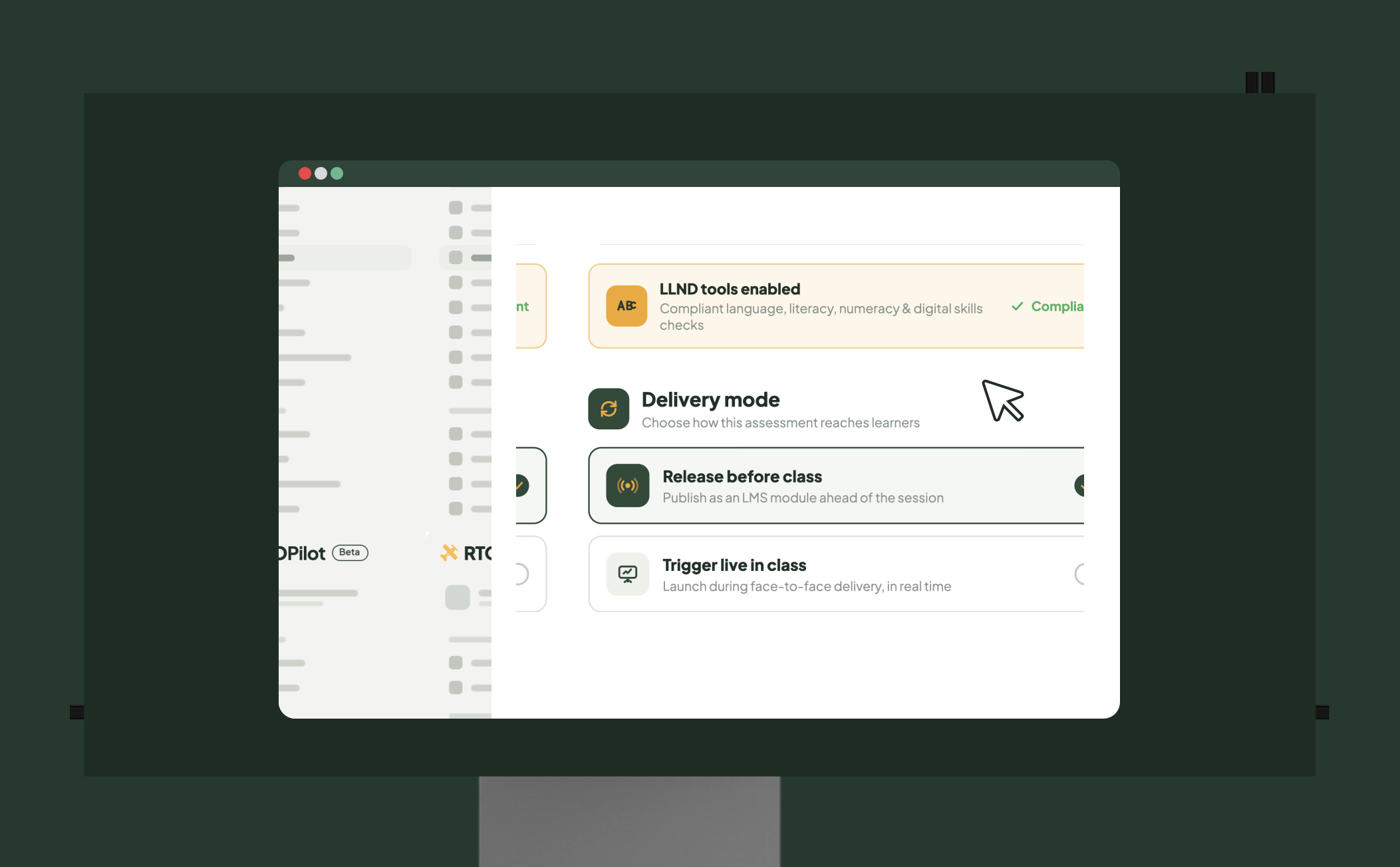
Assessments That Fit Any Training Mode
Release LMS modules before class or trigger them live during face-to-face training, depending on how you deliver your courses. This flexibility lets you assess learners in real time or as part of blended learning, rather than relying only on pre-class activities. Built-in LLND tools also support compliant language, literacy, numeracy and digital skills assessments.
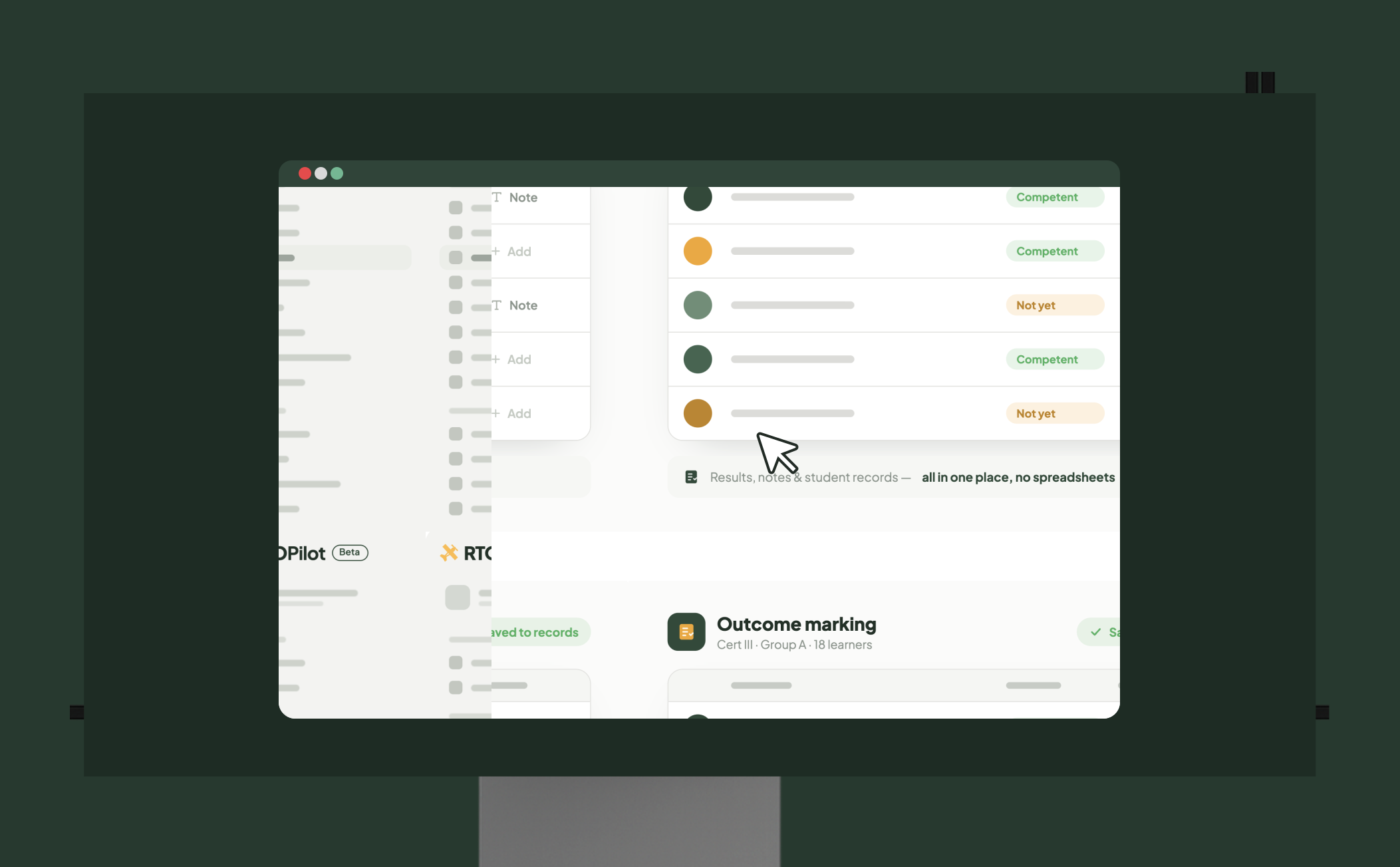
Outcome Marking for Classes
Trainers can enter student assessment results directly into the platform, meaning no spreadsheets or paperwork. This allows easy management of all results, notes and student records in one central system. Trainers save time and assessment records are accurate and up-to-date.
Frequently Asked Questions
Discover how RTOPilot simplifies student assessments and keeps your RTO audit-ready.
A student assessment management system is software that lets RTOs build, deliver, mark and store assessments in one platform. RTOPilot is used for course building, in-class delivery, outcome marking and evidence storage — all linked to the student record.
The platform includes a quick-start course builder, multiple-choice quiz creation, LMS module release controls, outcome marking and evidence upload. These assessment features replace separate spreadsheets, paperwork and standalone assessment software.
Yes. Admins or trainers manually release LMS modules for face-to-face delivery. Students perform assessments in class, live, and not as a pre-class activity.
Trainers record competency results, grades and custom outcomes against each student. Comments are attached to individual outcomes and remain logged for the audit trail.
RTOPilot brings every assessment workflow into one platform built for RTOs. Trainers build, deliver and mark assessments without switching between tools. Built-in LLND tools and audit-ready records keep your RTO compliant.

