

Track students from attendance to outcomes


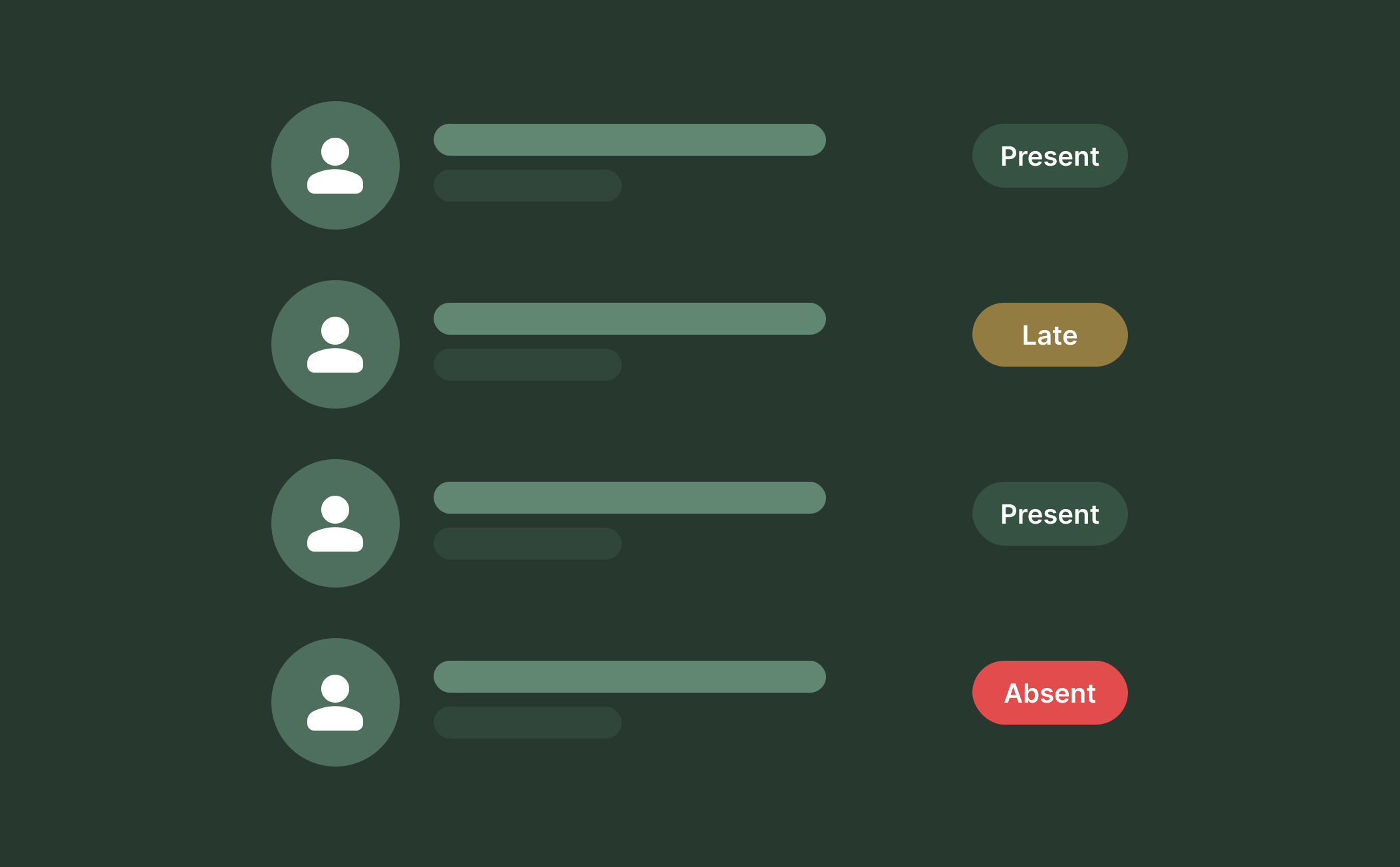
Attendance Made Effortless
RTOPilot makes monitoring attendance easy for any size class. Our software auto-timestamps records for ASQA compliance and seamless AVETMISS reporting, eliminating the need for manual checks. One screen lets trainers manage multiple sessions, syncing data straight to student records.
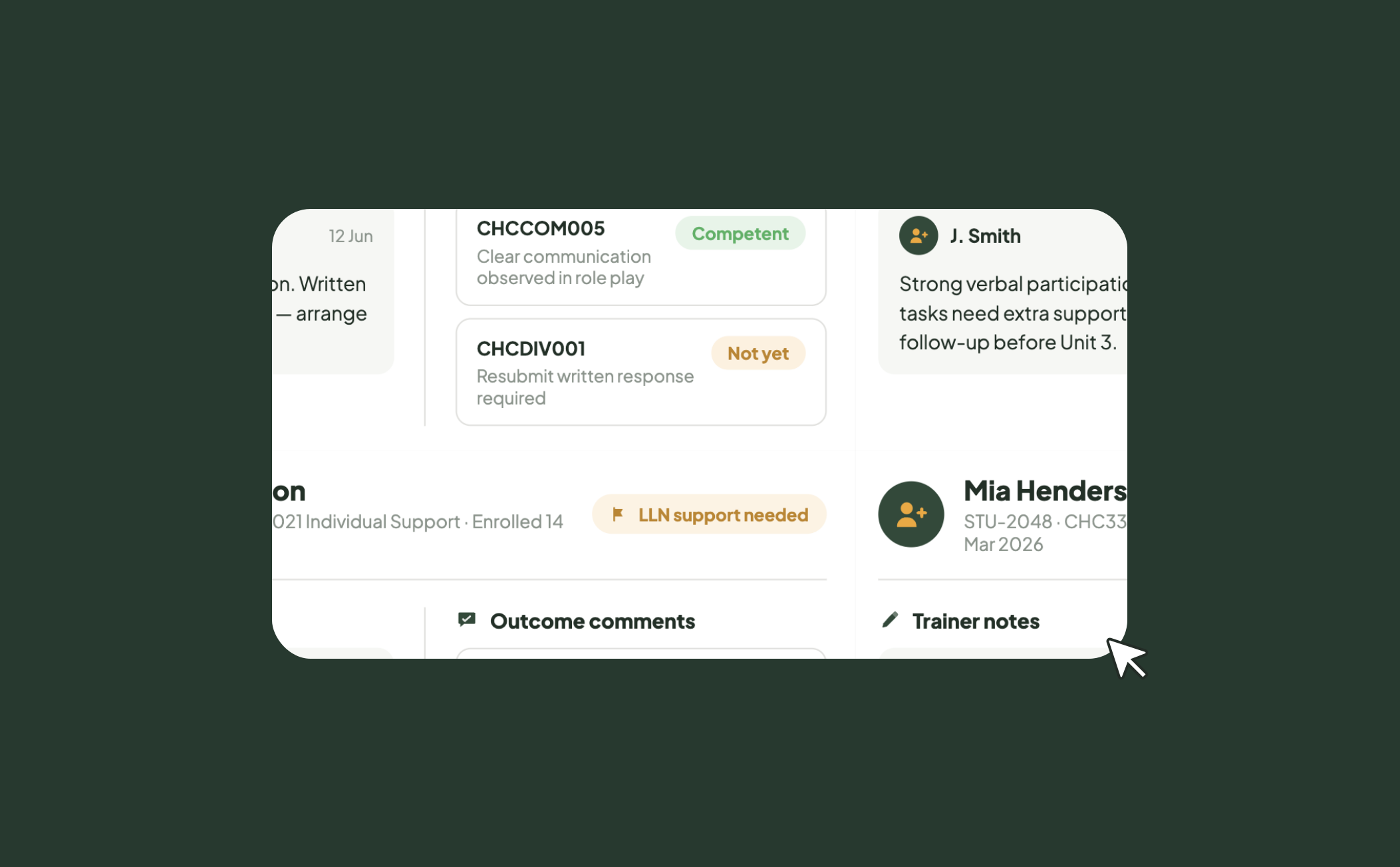
Track Progress and Give Feedback
Good training delivery software does more than just take attendance. Trainers and admins can make detailed notes on student profiles, including special requirements and follow-ups. Specific feedback around assessment is possible through outcome comments and all data is stored on the enrolment record for audit compliance.
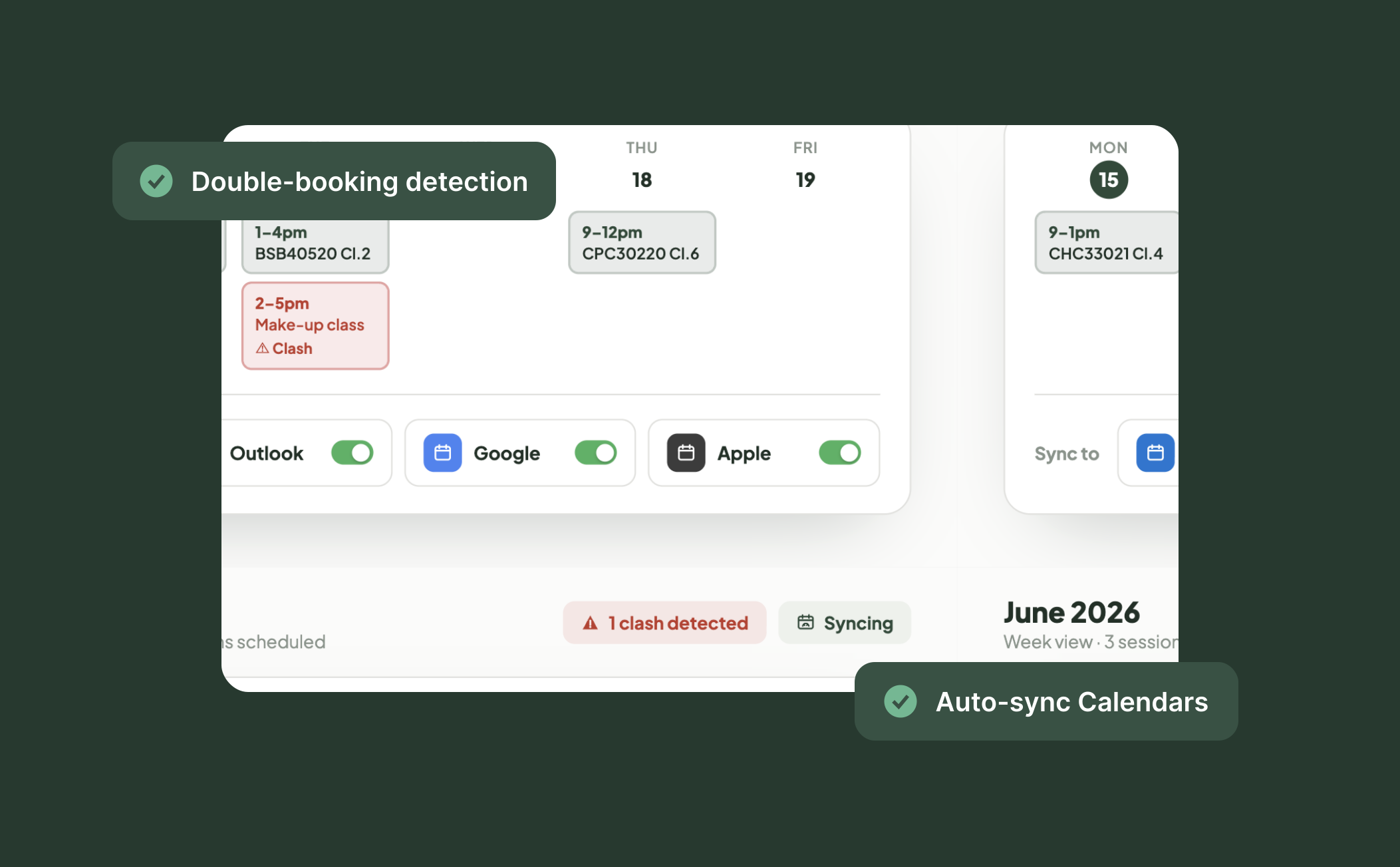
Smart Training Scheduling
Training scheduling software that integrates with your LMS prevents double bookings and date conflicts. Use the calendar view to see overlaps and class clashes, so trainers never get double-booked. Keep your team aligned across multiple locations and on the go with calendar sync to Outlook, Google and Apple Calendars.
Frequently Asked Questions
Discover how our platform streamlines compliance, reporting, and training delivery for RTOs.
Trainers mark students present or absent with a simple toggle from the Trainer Portal, and the system automatically time-stamps every record. Attendance data feeds directly into student enrolment records and AVETMISS reporting, giving you accurate compliance data without manual reconciliation. Attendance sheets can also be downloaded as PDF or spreadsheet files with your organisation's branding applied.
Student notes let admins and trainers add detailed comments directly on student profiles, helping track important information, special requirements, follow-ups and assessment feedback. The notes stay on the student profile, making it easy for any team member to pick up where someone else left off.
When you create or update training activities, RTOPilot's training scheduling software will identify date and time conflicts so you don't double-book your trainers across sessions. It also identifies display problems that could lead to scheduling errors, letting coordinators address conflicts before they impact delivery.
Yes. The platform supports all three delivery modes from a single workspace. Trainers can track attendance for face-to-face sessions, monitor SCORM and online learning progress for self-paced modules and manage blended delivery where students do both. Everything stays linked to the same enrolment record.
Yes. Trainers access their assigned classes, session schedules, enrolled students and linked resources through the Trainer Portal. They can mark attendance, add notes and record outcomes from the same interface, so there's no jumping between systems to manage delivery.

