

Trainer Portal


Everything About the Class, in One Place
Trainers can see their assigned classes with the full picture — the enrolment list, session dates and times, location information, and student details. Everything they need to prepare for and run a class is accessible from their portal without contacting admin.

Access Files and Resources
Training materials, documents, and resources are available directly through the Trainer Portal. Trainers can access the files they need for each class without digging through emails or shared drives — everything is linked to the right class and ready to go.
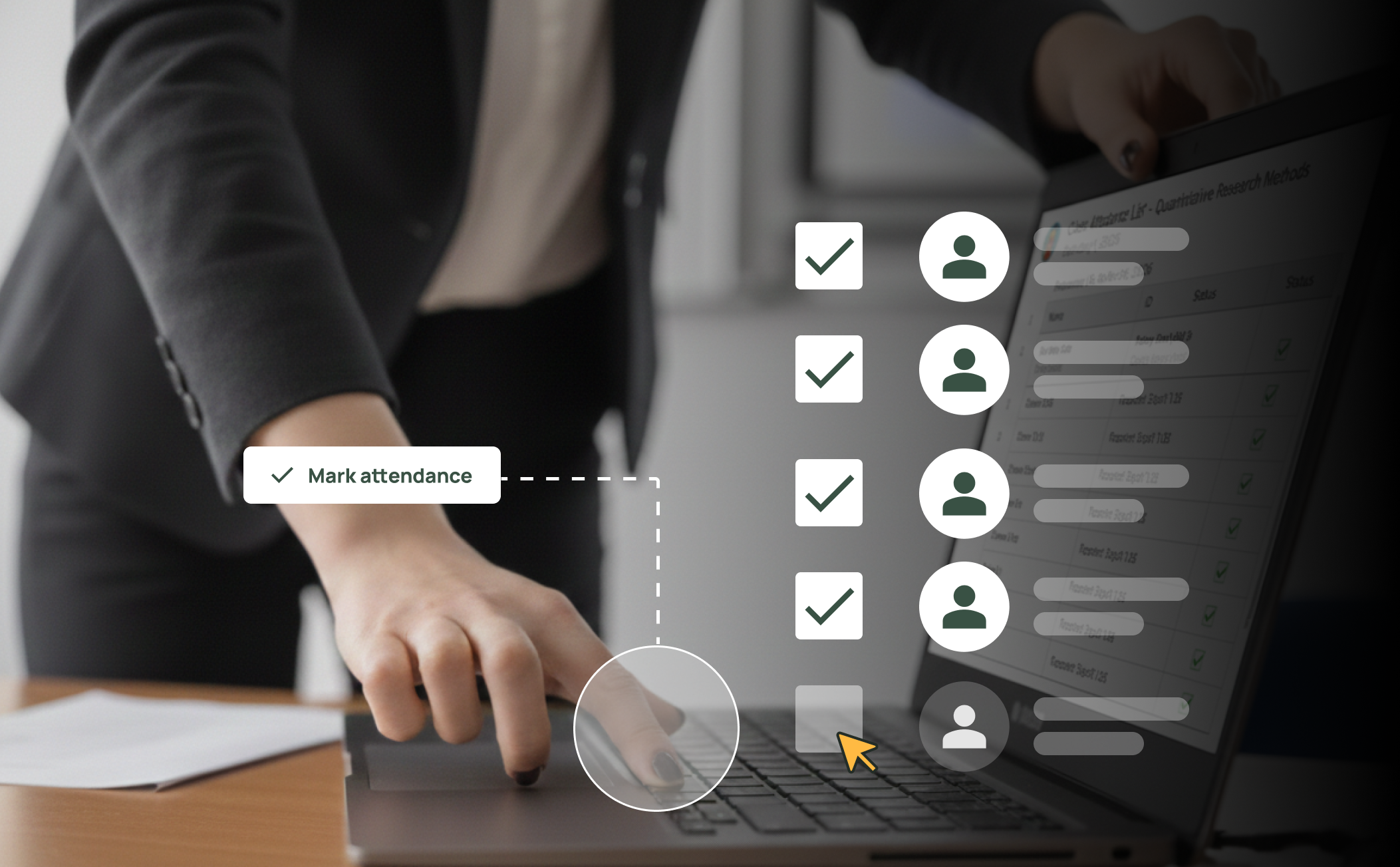
Mark Attendance and Take Action
Trainers can create attendance sheets, mark attendance, and take actions directly from within the portal. No separate tools or paper rolls needed — attendance and class management happen in the same place trainers are already looking at their class information.
Frequently Asked Questions
Discover how our platform streamlines compliance, reporting, and training delivery for RTOs.
Trainers can view their assigned classes, session schedules, enrolled students, location information, and linked files and resources. They also have access to their own profile where they can update personal information and qualifications.
Yes. Trainers can create attendance sheets and mark attendance directly from the portal. They can also take other class-related actions like tracking student progress — all from their browser.
Trainers receive their own login credentials and access the Trainer Portal through a dedicated URL. Authentication supports two-factor authentication for added security.
Yes. The Trainer Portal is a role-based view that only shows trainers the information relevant to them. They cannot access admin functions like enrolment management, financial data, or organisation settings.
Yes. Files and resources linked to each class are available directly through the Trainer Portal. Trainers can access the materials they need without requesting them from admin or searching through external file stores.
Yes. The Trainer Portal runs entirely in the browser and is optimised for mobile devices, so trainers can check their schedule, access resources, or mark attendance on the go.

