

SCORM & Online Learning


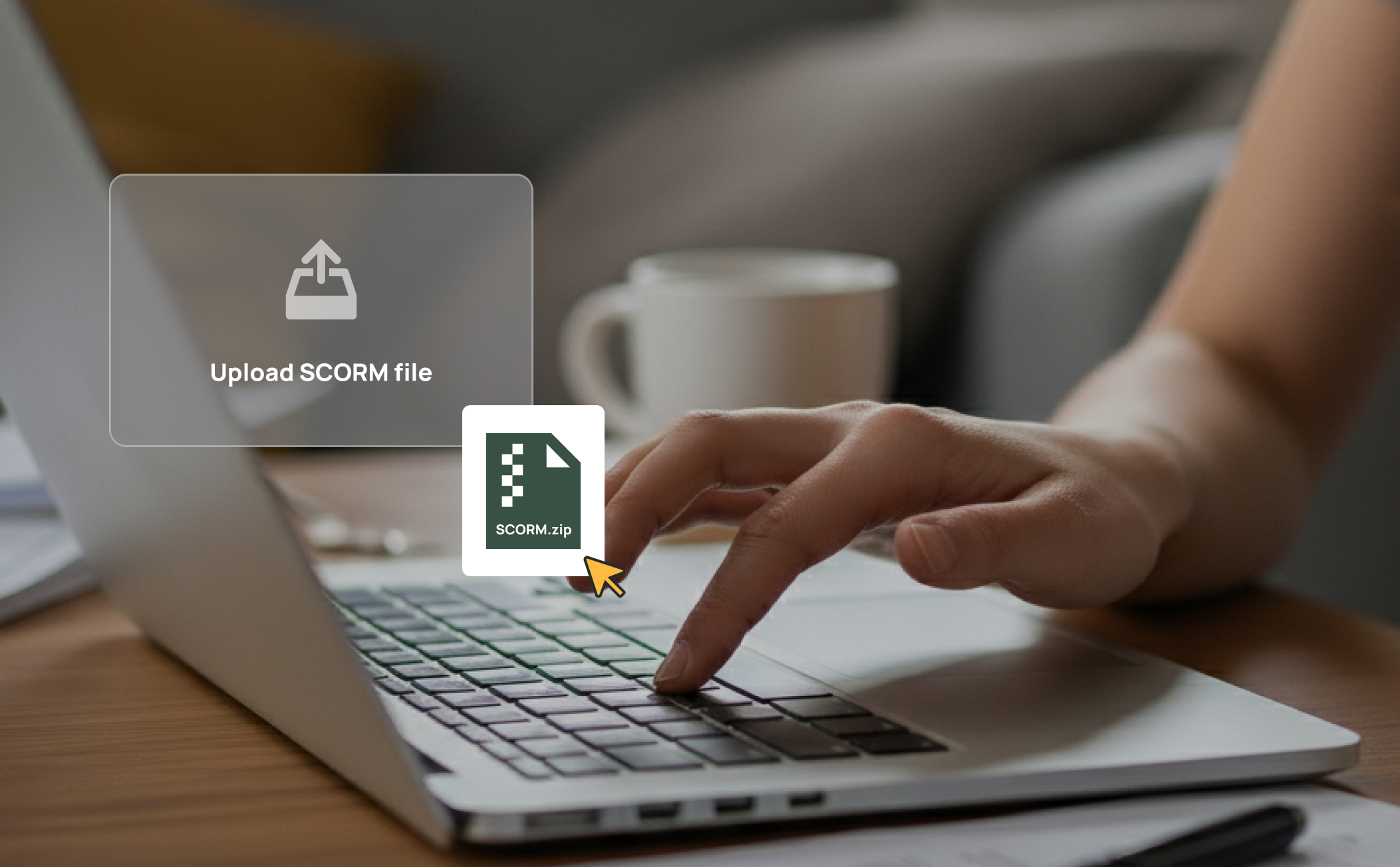
Upload and Deliver SCORM Content
Import your existing SCORM packages directly into RTOPilot. Courses are assigned to enrolments and delivered to students through their portal — no need to manage a separate LMS platform or juggle logins across multiple systems.
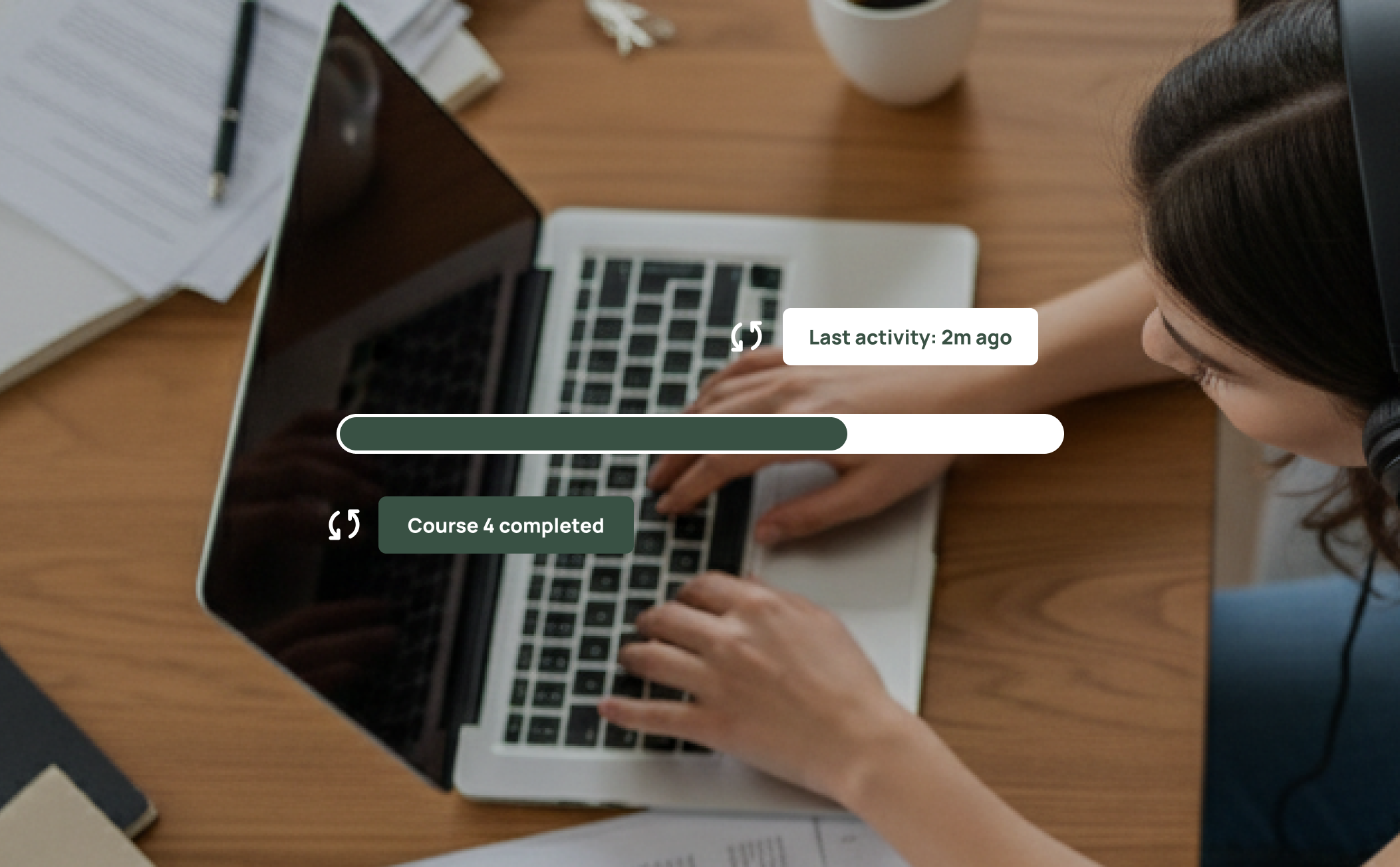
Automatic Progress Tracking
As students work through online content, their progress and completion status is captured automatically via SCORM and synced back to their enrolment record. Trainers and admins can see exactly where each student is at without chasing updates.

Blended Learning Made Simple
Combine face-to-face training managed through Class Mate with online SCORM modules in a single enrolment. Students get a unified experience through the Student Portal, and your admin team tracks everything from one place instead of reconciling data from separate systems.
Frequently Asked Questions
Discover how our platform streamlines compliance, reporting, and training delivery for RTOs.
RTOPilot supports SCORM 1.2 and SCORM 2004 packages. You can upload standard-compliant content packages and they will be delivered to students through the platform.
SCORM packages report progress, scores, and completion status back to RTOPilot automatically. This data is linked to the student's enrolment record, so admins and trainers can monitor progress from the same place they manage all other training data.
No. RTOPilot has built-in SCORM hosting and delivery, so you can upload and assign SCORM packages without needing a separate Learning Management System. Everything runs within the same platform your team already uses.
SCORM packages are uploaded as ZIP files through the admin portal. Once uploaded, you can assign the content to courses and enrolments. The platform handles parsing and delivery automatically.
Yes. Students access their online learning through the Student Portal, which runs in the browser and works across desktop, tablet, and mobile devices. Compatibility depends on the SCORM content itself being responsive.
Yes. An enrolment can include both SCORM-based online modules and in-person class sessions. Students access online content through their portal and attend face-to-face sessions as scheduled — all tracked under a single enrolment record.

