

Assess language, literacy, numeracy, and digital skills online for RTO students

Online, self-Serve LLND test
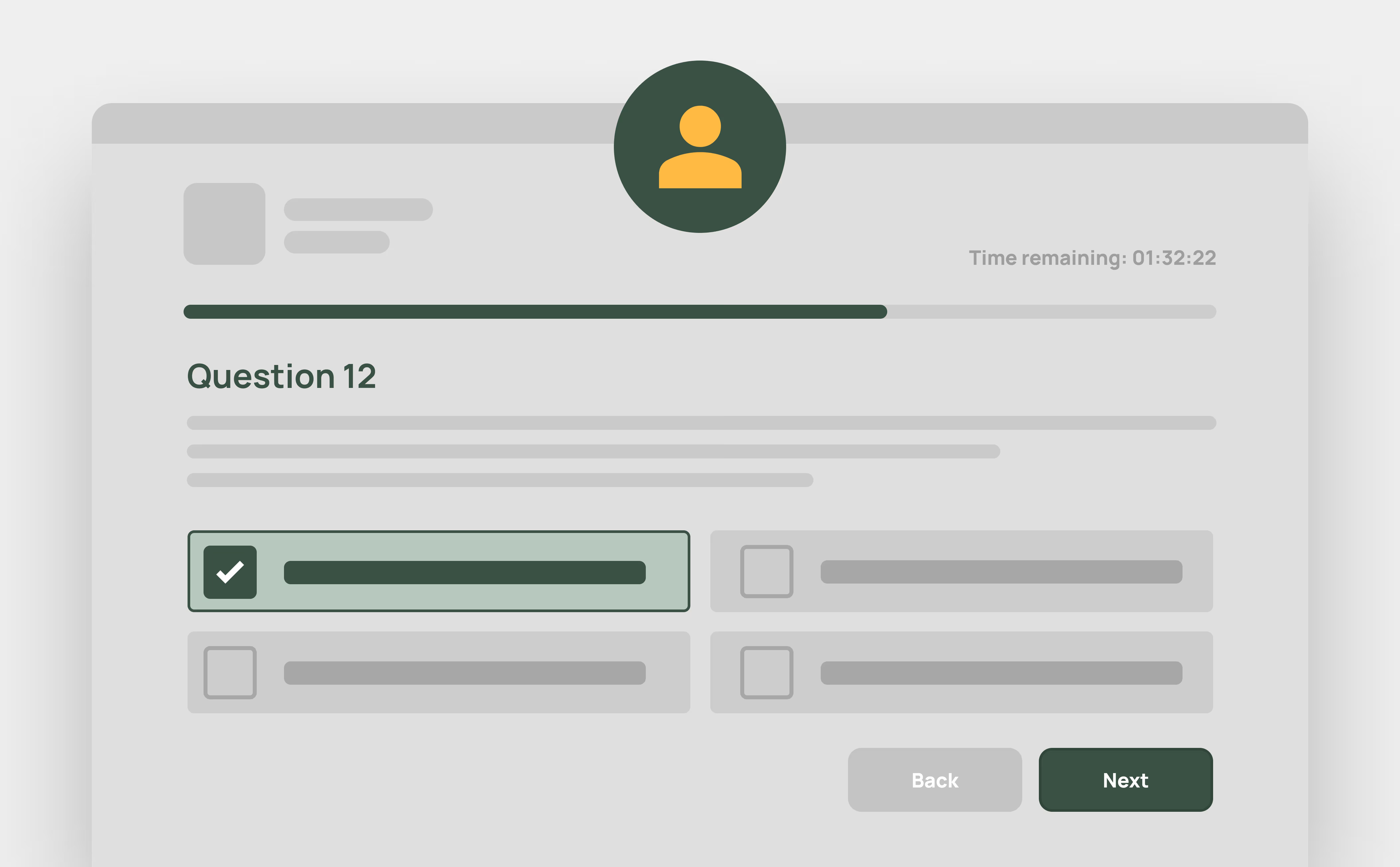
As part of the enrolment process, students complete a simple online LLND assessment covering reading, writing, numeracy and digital skills. It’s mobile-friendly, quick to complete, and designed to align with compliance requirements.
Automated marking and storage
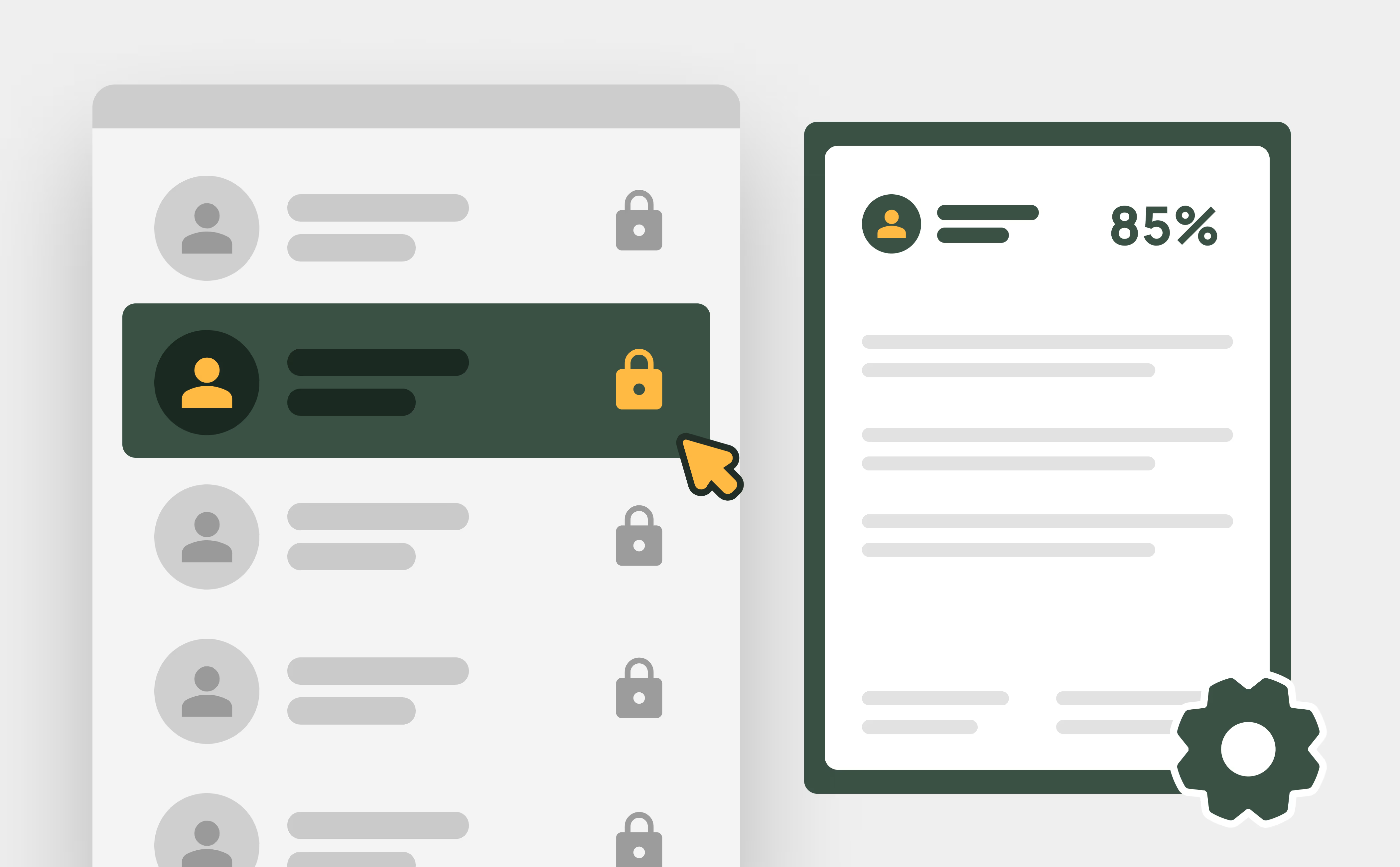
The system scores each LLND test automatically, so there's no manual marking or data entry. Results are saved against the student's profile in Advanced Student Records, next to their enrolment details. This gives trainers and compliance staff one place to check a learner's LLND outcome.

Identify & support at-risk students
If a student’s result indicates they may need support, they’re automatically flagged in the system. This gives your team visibility and time to intervene early, ensuring every learner has the best chance to succeed.
Why LLND assessment matters

How the online LLND test works
Frequently Asked Questions
Discover how our platform streamlines compliance, reporting, and training delivery for RTOs.
An LLND assessment (Language, Literacy, Numeracy, and Digital skills assessment) measures a student’s ability in reading, writing, numeracy, and basic digital skills. In RTOPilot, this LLND assessment is completed online during enrolment, automatically graded, and stored in the student’s profile. It helps identify students who may need extra support early in their learning journey.
The Standards for RTOs 2025 expect RTOs to consider each learner's skills and support needs before training. An online LLND assessment is a consistent way to do this and keep evidence. RTOPilot saves every result to the student record, so it's easy to find at audit.
Yes. RTOPilot scores each assessment as soon as the student submits it. The result is saved to their student record, next to their enrolment details, so trainers and admin staff can see it straight away.
All results are stored directly in the student’s profile, keeping records up to date and ensuring easy access for reporting and compliance purposes.
Absolutely. If a student’s results show they may need help, they’re flagged automatically in the system. This allows your team to intervene early and provide support where needed.
Yes. An online LLND test does the same job as a paper LLN assessment kit, but it's delivered and marked by the system. There's nothing to print, mark or file, and every learner is assessed the same way.
