

Turn enrolment leads into students without losing data


From Lead to Enrolment Instantly
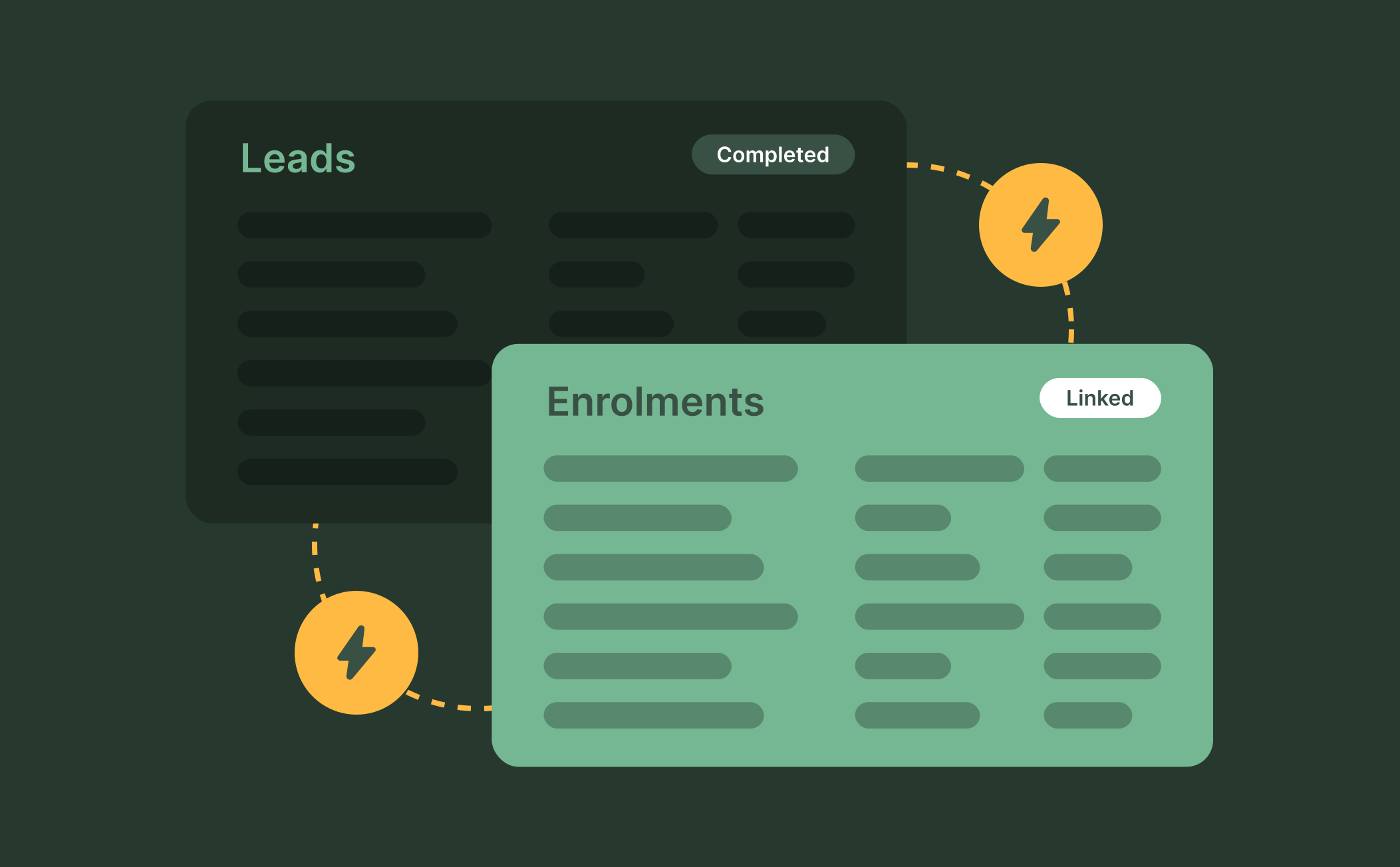
Completed leads automatically convert to enrolments with all data carried over, avoiding double entry. Designed for RTOs, student details, payments and comments remain linked to the new record. Lead pages have the same redesigned layout as enrolment pages for a seamless admin experience.
Manage Leads on Your Terms
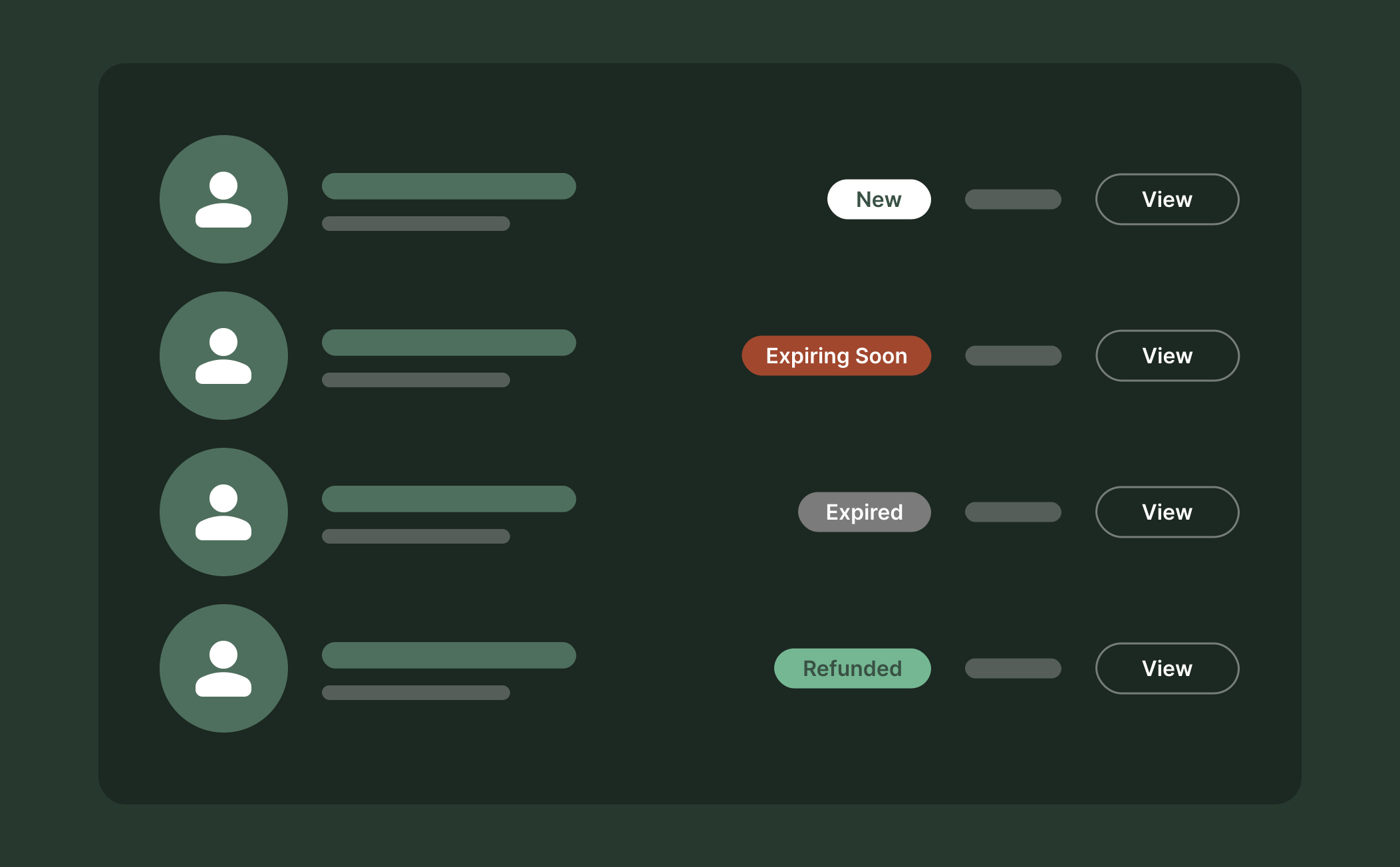
Streamline your prospect management with RTO workflow software. Set up custom lead expiration times for enrolment that align with your follow-up pace. Admins can manually expire stale leads, process refunds and track comments for complete context on each prospect.
Smarter Links, Cleaner Workflow
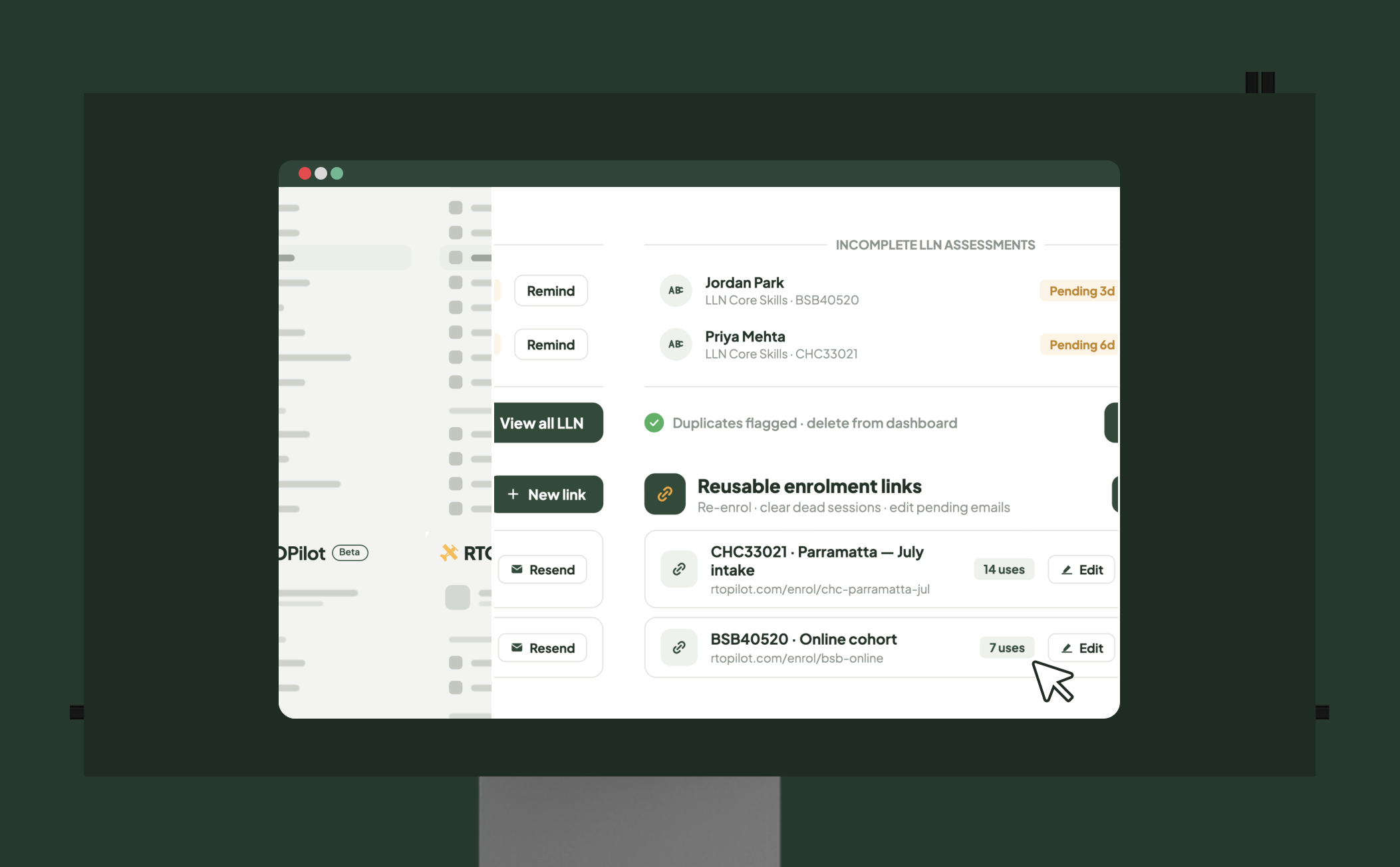
Reusable enrolment links reduce clutter by allowing students to re-enrol or clear dead sessions. Admins can edit and resend emails for pending leads, delete duplicates and track incomplete LLND assessments directly from the dashboard to ensure no prospect is missed.
Frequently Asked Questions
Discover how our platform streamlines compliance, reporting, and training delivery for RTOs.
An enrolment lead is a prospective student who has started but not yet finished the enrolment process. RTOPilot tracks these leads from interest to enrolment, keeping all their info, comments and payments in one place.
Completed leads automatically convert into full enrolments, with all their information carried over to avoid duplicate data entry. Comments, student details and payment status all transfer to the new enrolment record, so your team has complete context without having to look at two systems.
Yes. Admins can configure how many days enrolment leads remain active before they expire, tailoring lead management to your organisation's follow-up timeframes. You can also manually expire leads that are stale or unresponsive and refund leads that have already paid if needed.
Admins can edit pending leads and resend the enrolment email, which is useful when someone enters an incorrect address during the initial signup. You can also delete outdated, incorrect or duplicate leads to keep your pipeline clean.
Leads that haven't completed required steps, such as the LLND assessment, are shown in the Flagged Enrolments section of the admin dashboard. This gives your team a clear image of prospects that need a follow-up, so that no potential enrolment is missed or ignored.

