

Your students' data, protected at every level

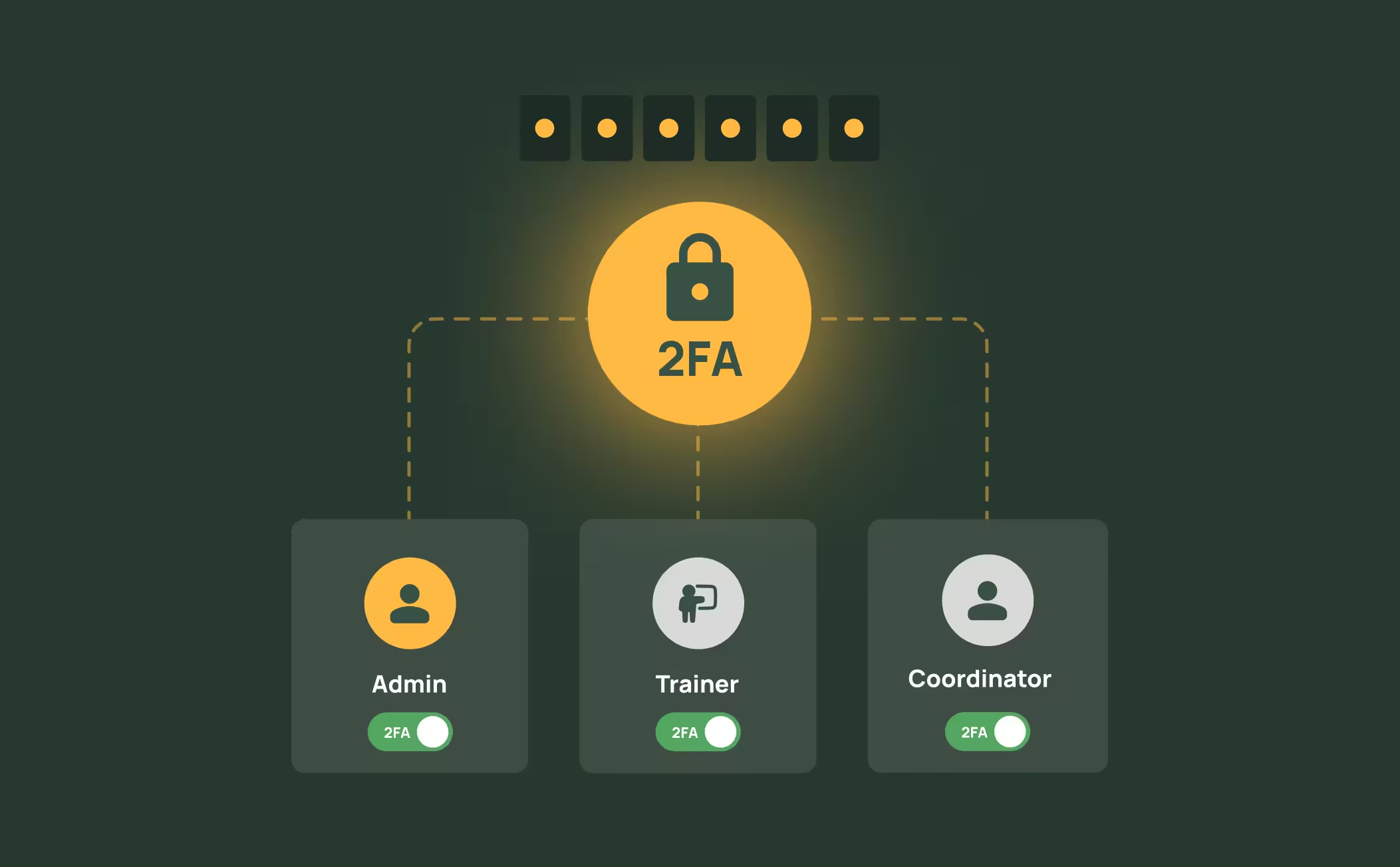
Two-Factor Authentication for Every User
Every admin, trainer, and coordinator account can enable two-factor authentication directly from their user profile. 2FA adds a second verification step at login, protecting your organisation against unauthorised access - even if a password is compromised.
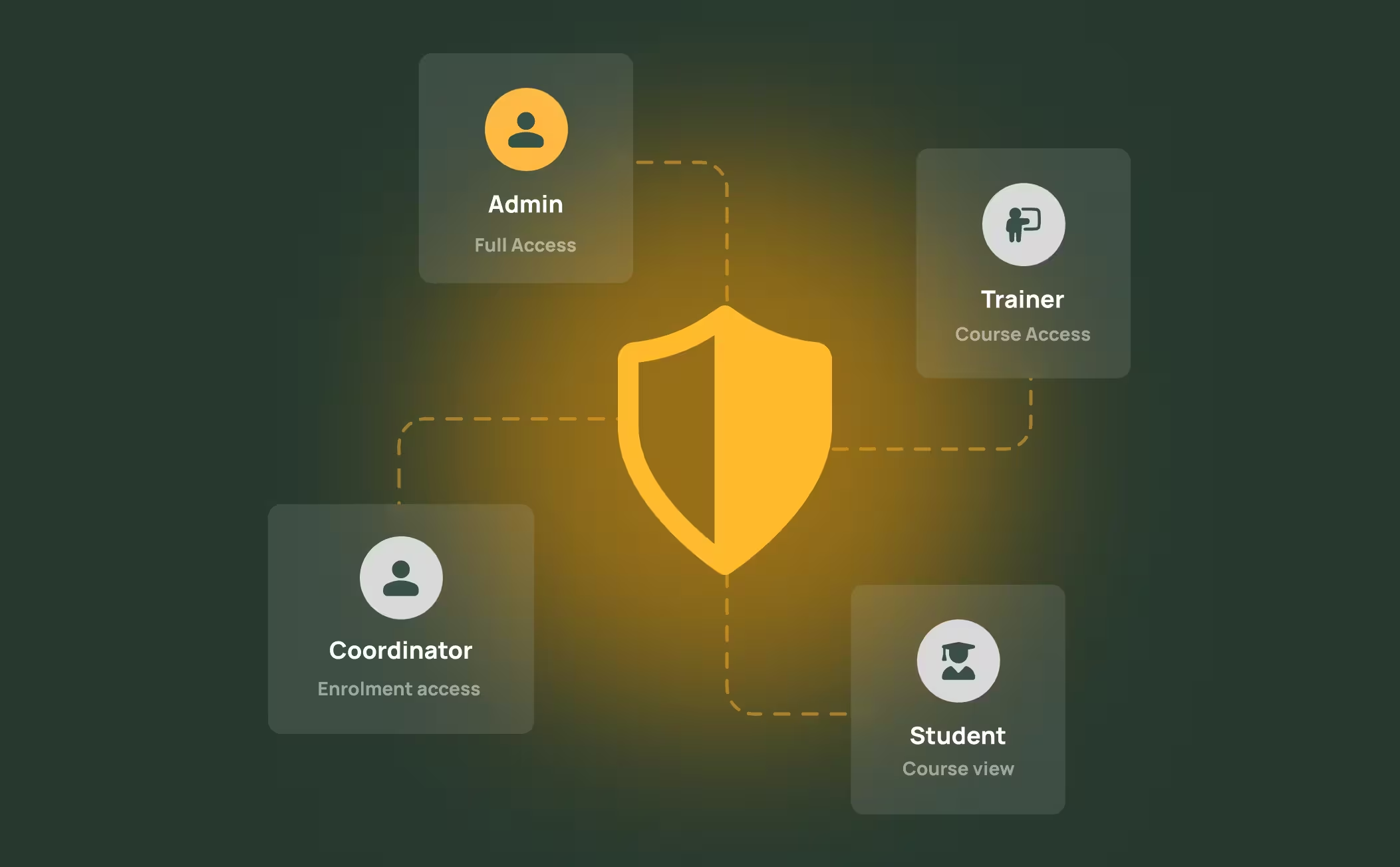
Role-Based Access, Minimum Privilege
RTOPilot separates access by role - admins, trainers, coordinators, and students each see only what they need. Trainer personal details can be kept private from students, and sensitive financial or compliance data stays restricted to authorised staff. You control who sees what.
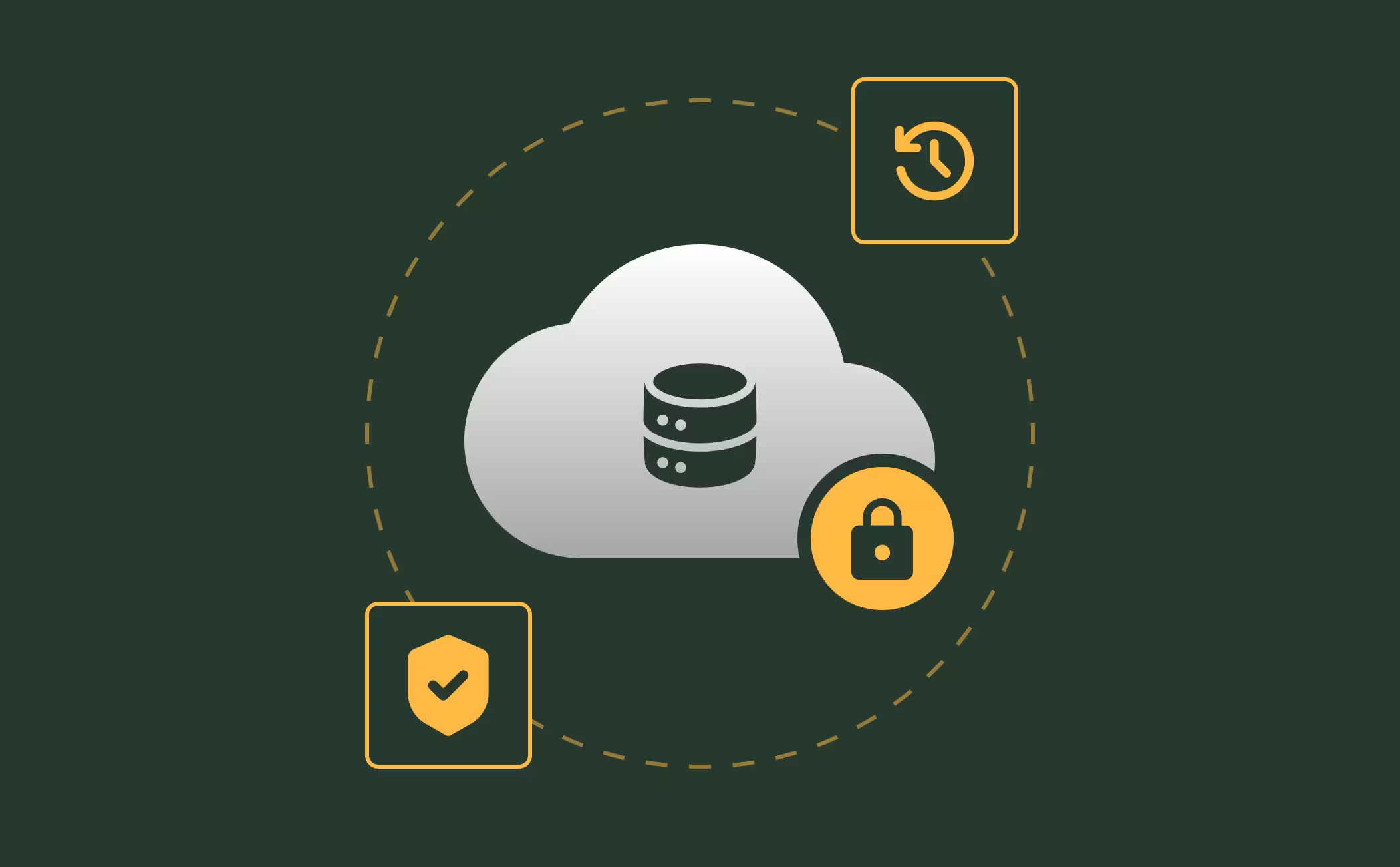
Cloud Infrastructure You Can Trust
RTOPilot runs entirely in your browser on secure cloud infrastructure with encrypted connections, automated backups, and continuous monitoring. Your data is protected in transit and at rest, and the platform is designed for high availability so your team can access it whenever they need to.
Frequently Asked Questions
Discover how our platform streamlines compliance, reporting, and training delivery for RTOs.
2FA can be set up from the User Profile page, accessible from the user menu in the bottom-left of the Admin Portal. Once enabled, users will need to verify their identity with a second factor each time they log in.
Yes. RTOPilot uses role-based access so each user type only sees what's relevant to them. You can also enable a privacy setting that hides trainer surnames and personal details from students.
RTOPilot runs on secure cloud infrastructure with encrypted data storage. All connections use HTTPS encryption, and data is backed up automatically.
USI data is collected and validated through a direct integration with the USI Registry System. Smart Verify handles validation automatically, and during Registry outages, USIs are staged securely and validated in batch once service returns. (Link to /features/smart-verify)
Yes. RTOPilot's AVETMISS compliance tools, audit-ready reporting, and comprehensive record-keeping are designed to support RTOs during regulatory audits. Secure, accurate data storage is a foundation for meeting ASQA standards. (Link to /features/avetmiss-compliance)
Yes. RTOPilot maintains a complete email communication log showing every email sent, along with delivery status. This supports your compliance record-keeping and helps resolve any communication disputes.

