

Keep students, trainers and admins in the loop without spamming their inboxes

Multi-channel notifications
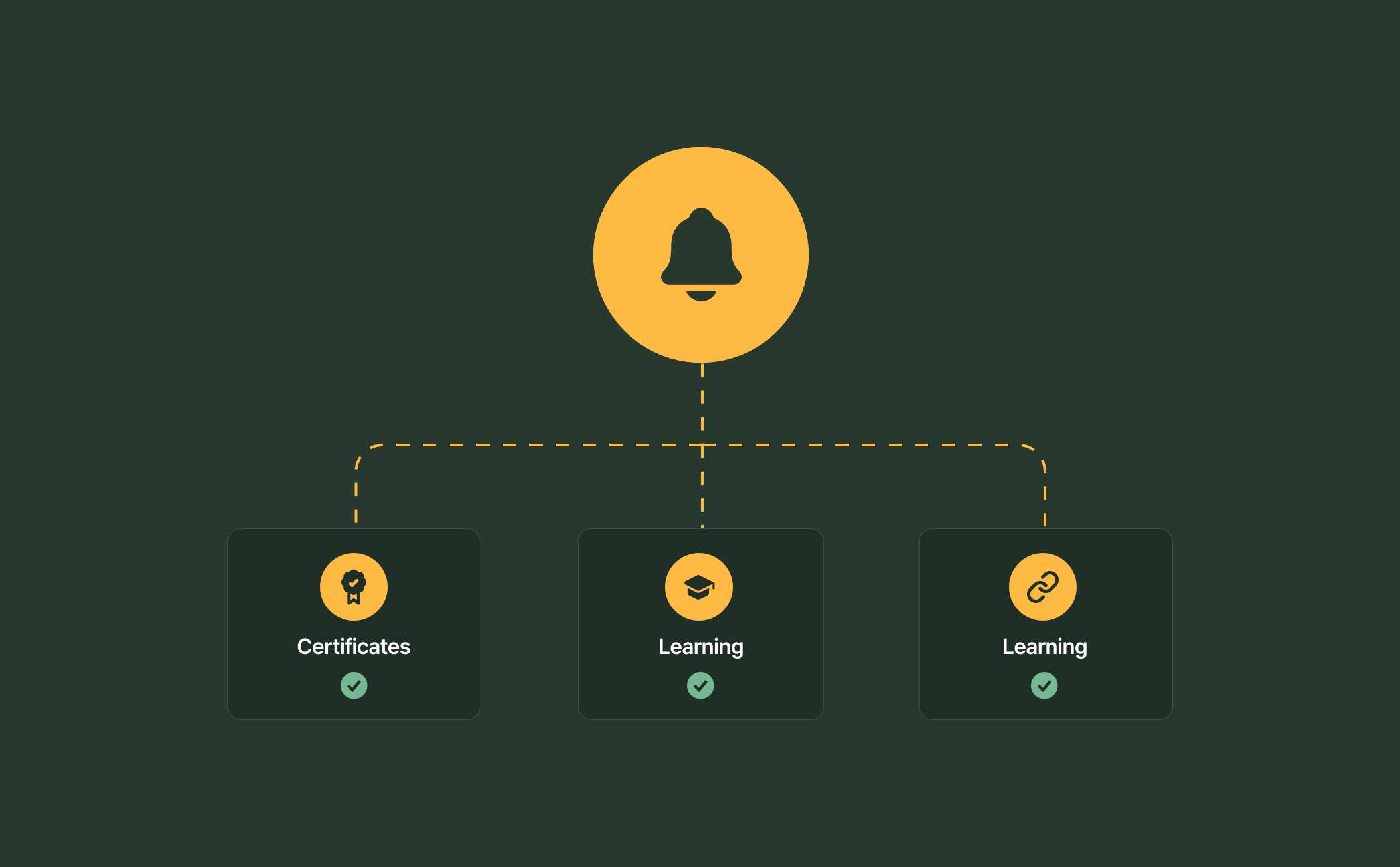
Reach people where they actually look. RTOPilot sends updates by email and SMS from the same notification system, covering class reminders, certificate renewals and outstanding AVETMISS details. Texts follow the same student records and preferences as your emails, with a “Reply STOP to opt out” option that applies automatically. One platform runs both channels, so your team sets communication up once, and every message matches the enrolment behind it.
Smart reminders and preferences
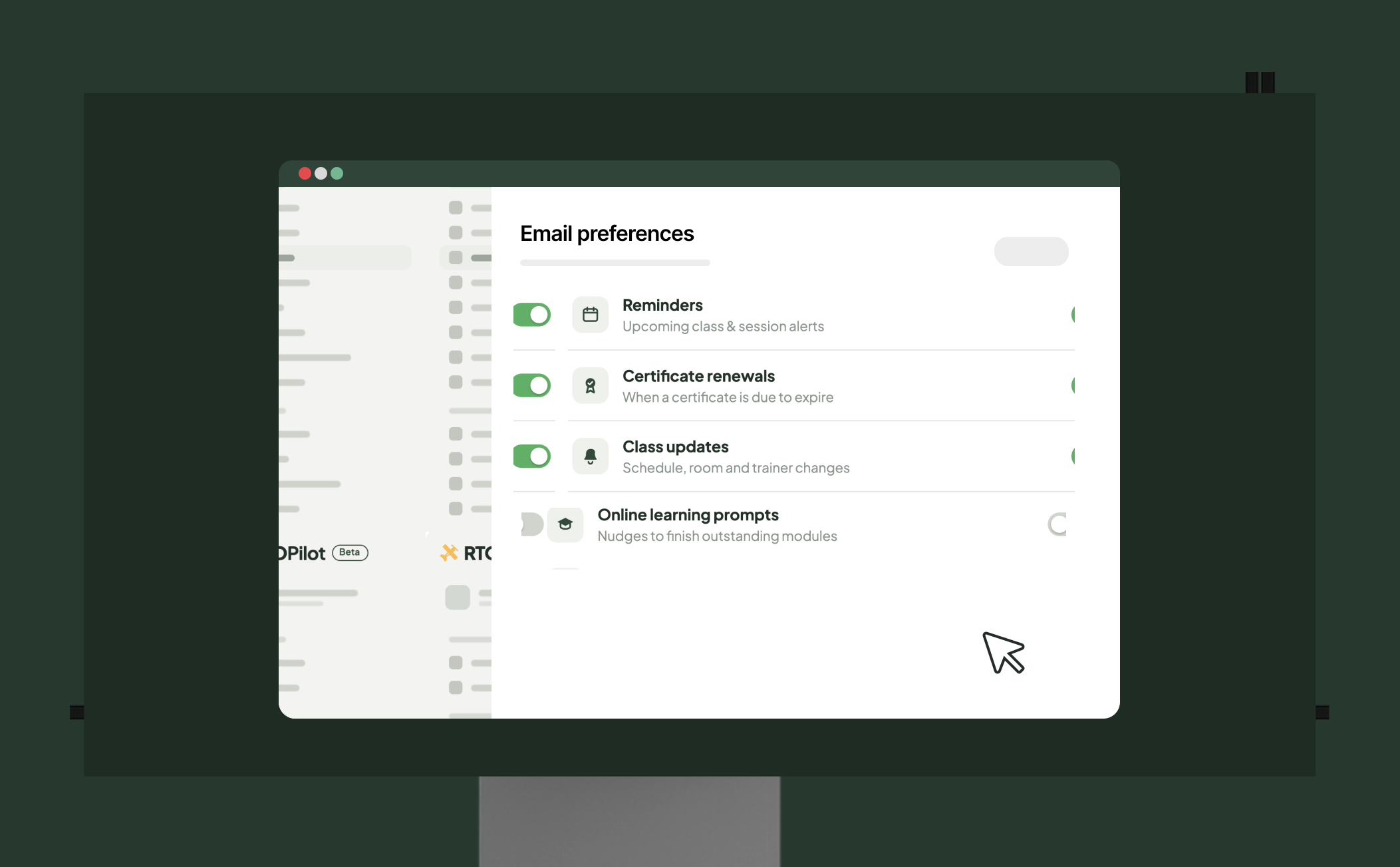
RTOPilot automatically reminds students about upcoming classes, unfinished online learning and incomplete enrolments, and each reminder links straight to what needs doing. Every email includes a preferences link, so students, trainers and coordinators each choose exactly what they receive. Learn more about automated reminders.

Full visibility for admins
See every message your RTO sends from one place. The Automated notifications page lists every email and SMS, filterable by role, with a branded preview of each message and simple on/off toggles. Each student’s profile keeps a complete email history, and the organisation-wide log shows who received each message and when. Your team always has a clear record of what was sent, ready for reporting or review at any time.
Why a notification system matters

Frequently Asked Questions
Discover how RTOPilot simplifies communication and keeps your RTO connected.
RTOPilot sends automated email notifications and SMS notifications covering enrolments, class updates, online learning reminders, payments and certificates. Admins manage every message from one Automated notifications page, and each student’s profile keeps a full history of what was sent.
Yes. Every system email includes a preferences link. Students manage class updates, reminders, certificate renewals and learning prompts. Trainers and coordinators set their own preferences too, and any SMS can be stopped by replying STOP.
Students with unfinished online learning receive an automated reminder with a direct link to their portal, where they can see exactly what’s left. Reminders only go to students who actually have learning available to complete, and students can opt out in their preferences.
Click the Support option in the sidebar to start a live chat with the RTOPilot team. The Help section provides documentation and product guidance. The Feedback button lets you submit feature requests and track development.
Messages are sent from within RTOPilot, so student contact details stay inside the same platform as their enrolment records rather than being exported to a separate messaging tool. Students control their own preferences and opt-outs. Learn more about security and privacy.
