

Set up your RTO in minutes, with AI-powered onboarding


Set Up Your RTO in Minutes
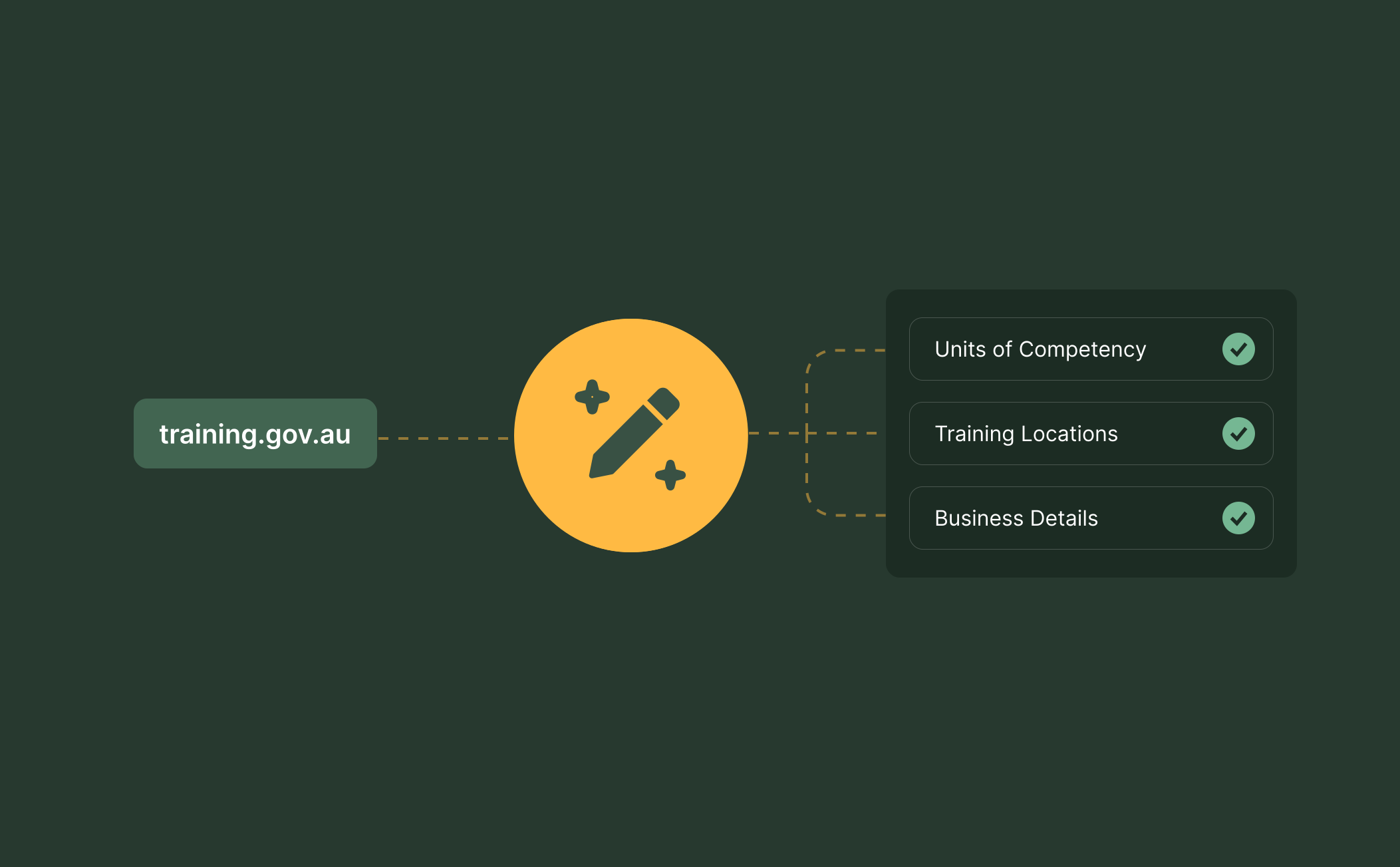
Skip the manual data entry when getting started. Just enter your RTO code and our AI onboarding software automatically pulls your units of competency and training locations from training.gov.au. Your business details, legal name, ABN and key contact info are pre-populated in seconds. It also suggests the correct code format to use so you don't have to second-guess your setup.
Never Miss a Setup Step Again
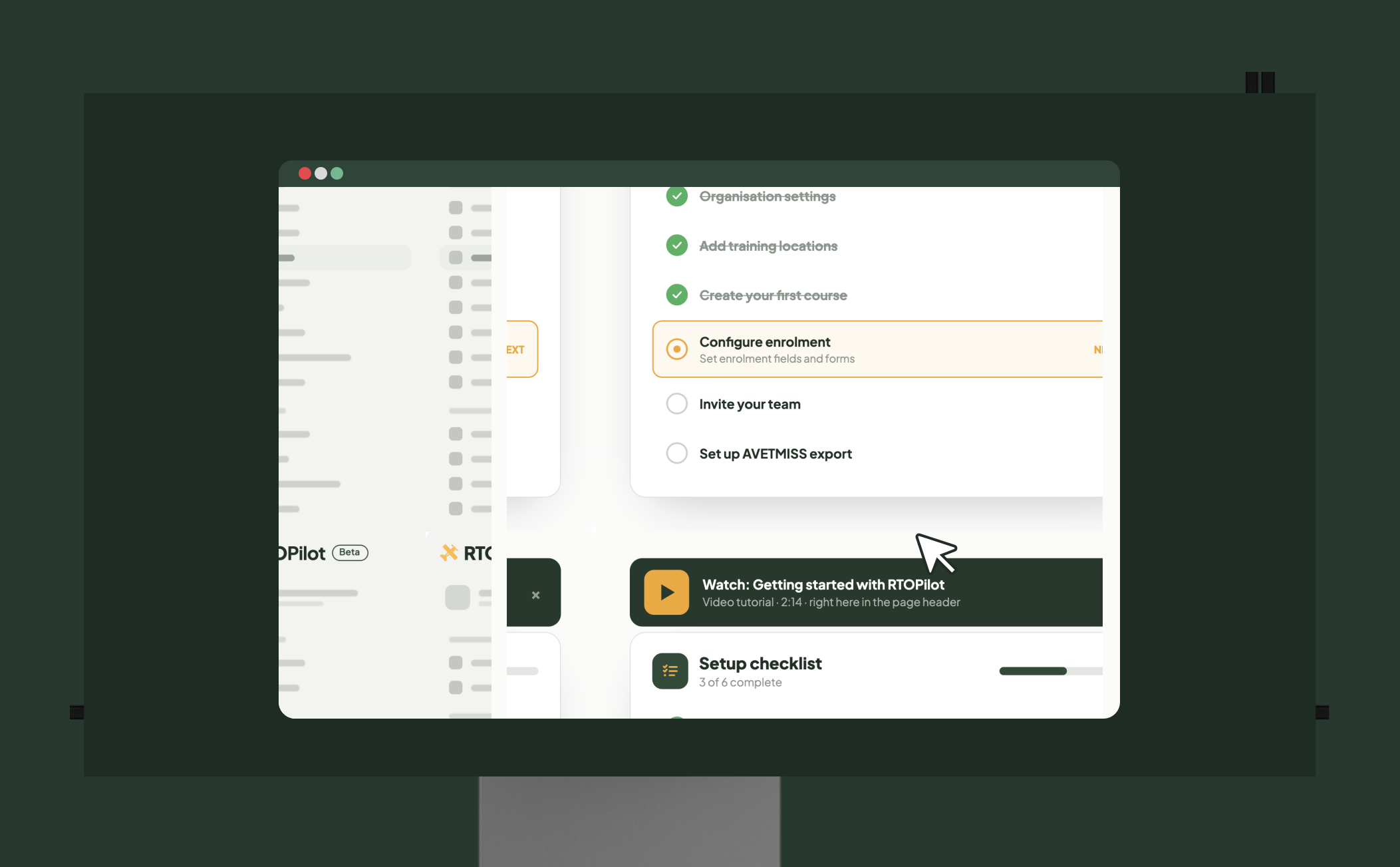
A built-in onboarding checklist guides new administrators through every essential configuration step, from organisation settings to course creation. Unlike generic onboarding checklist software, our checklist is purpose-built for RTOs and covers the steps that matter for Australian VET compliance. Paired with in-app video tutorials that appear in page headers, your team gets contextual help exactly when they need it.

Built Around How Your Team Works
RTOPilot delivers an improved user experience across every screen, with a redesigned enrolment layout, sidebar highlighting for your current location and faster-loading pages. The LMS also has a font-size picker and responsive scaling for small browsers and high zoom settings. Regardless of device, students, trainers and administrators all receive a comfortable, accessible experience.
Frequently Asked Questions
Discover how our platform streamlines compliance, reporting, and training delivery for RTOs.
RTOPilot automatically pulls your registered units of competency, training locations and business details from training.gov.au, the national register for Australian VET, when creating your account and asks for your RTO code. It also auto-fills your legal name, ABN and key contact details so you can complete setup in minutes.
The onboarding checklist is a step-by-step guide to get new administrators set up with each key configuration step to get their RTO live in RTOPilot. It contains organisation settings, course creation, user roles and more, so you don't skip an important step in initial setup.
The system remembers the videos you have watched and automatically plays the new tutorials when they become available. Additional videos are added over time to help Admins, Trainers, Coordinators and Students learn the platform.
Yes. The LMS is responsive in small browsers and at high zoom levels, and has a built-in font-size picker so students can find a comfortable reading size without changing their browser zoom. Themed buttons and components have improved text contrast to help users with vision issues.
No. The platform is designed for non-technical users. The AI-powered onboarding does the heavy lifting, pulling your registered units and organisation data. The guided checklist tells you what to configure next and in-app videos explain each section as you go. Most RTOs can complete their initial setup without external support.

